Contact sheet pack: 2×2 and 3×3 product grids on white
Turn one product cutout into two 2000×2000 detail-page grids with even spacing and white margins. Pure ComfyUI core nodes, no model download.
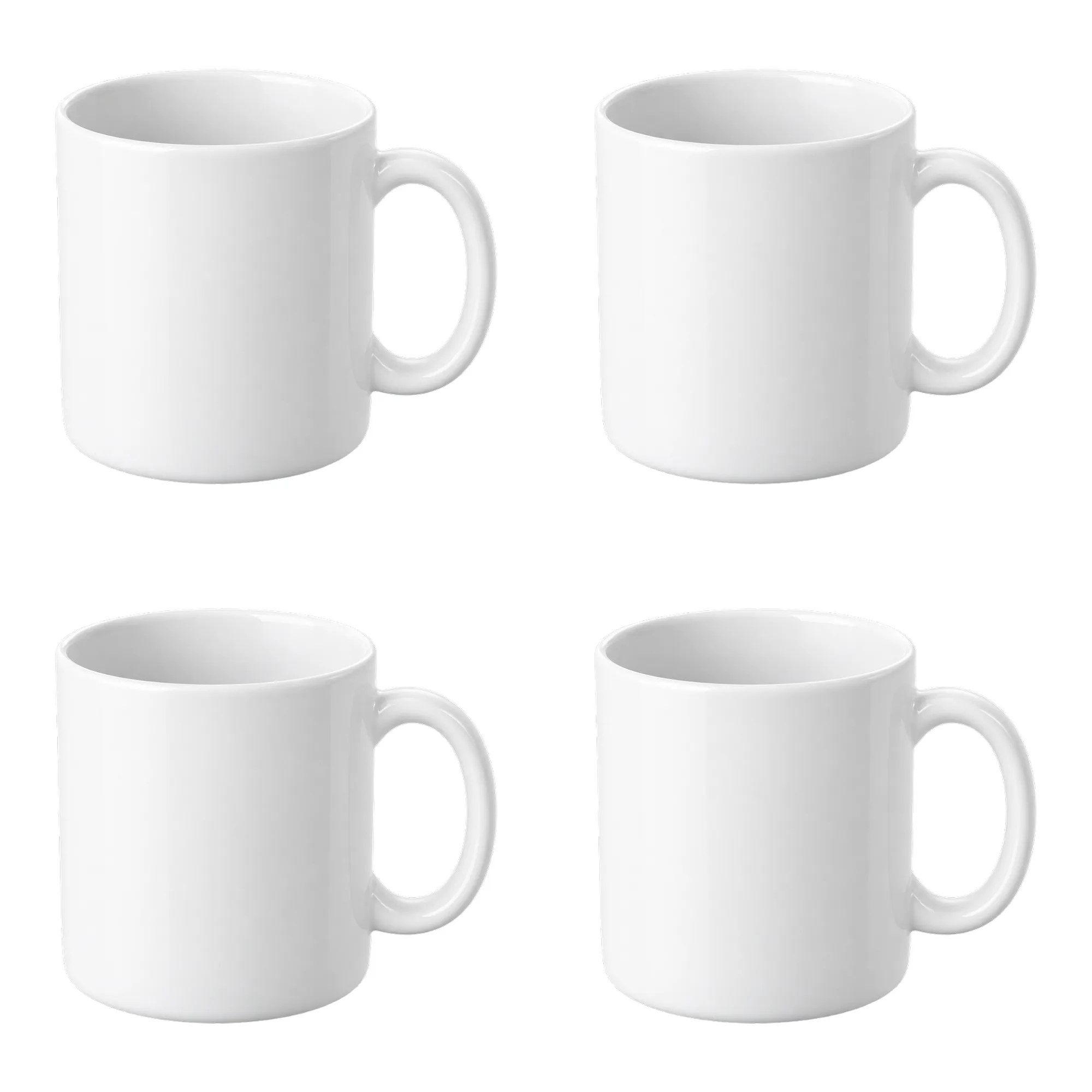
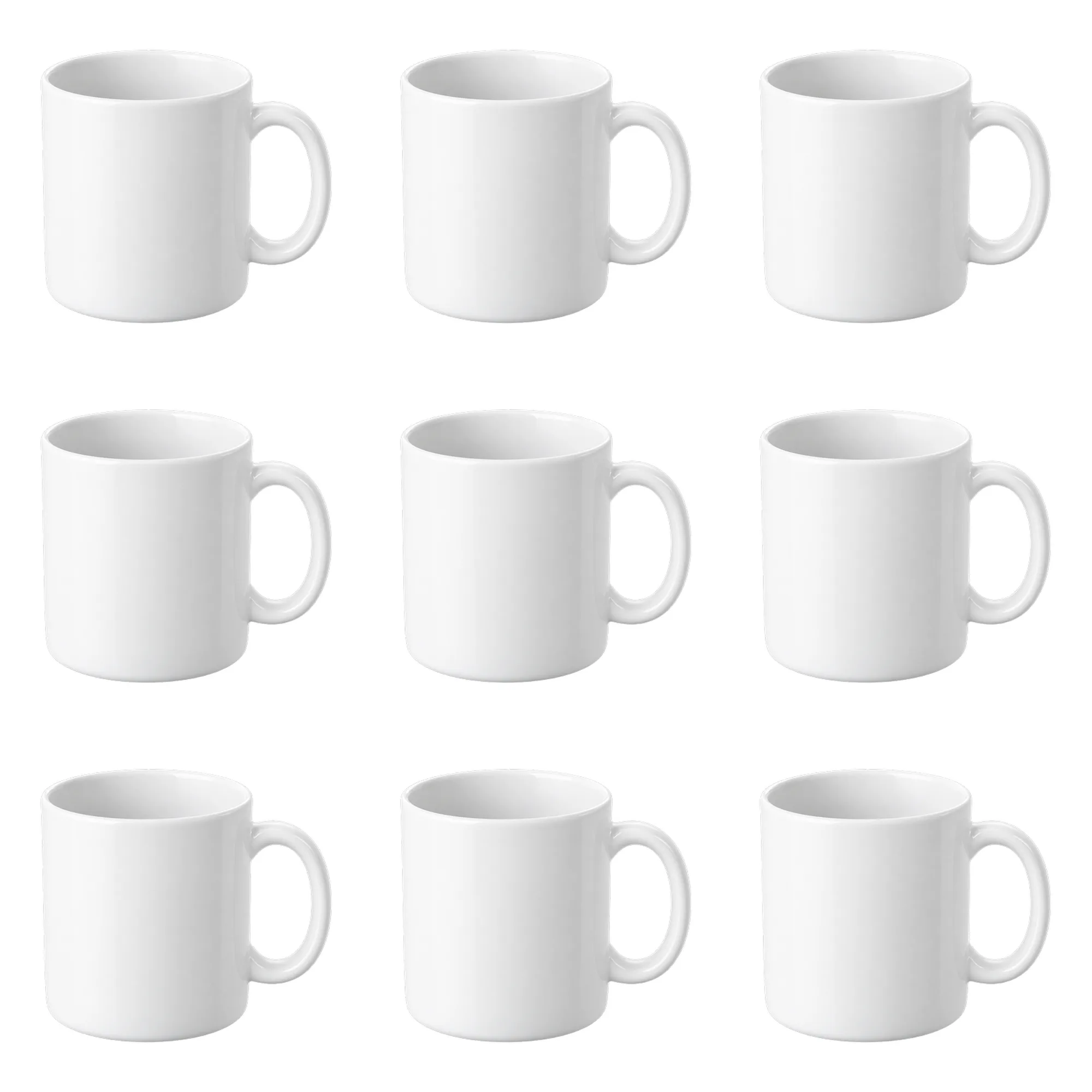
These are fixed historical examples. The demo does not execute workflows or offer redemption and downloads.
Overview
When to use a contact sheet
A detail page often needs an overview grid. Doing it by hand in Photoshop — duplicate layers, align spacing, export 2000×2000 — easily produces uneven tiles. This workflow fixes the layout: one product image goes into a 2×2 and a 3×3 grid automatically.
Outputs
contact-sheet-2x2: 2000×2000, four 800 px tiles, 20 px gapscontact-sheet-3x3: 2000×2000, nine 520 px tiles, 20 px gaps
Every tile keeps the whole product — no cropping. A transparent PNG produces clean white tiles.
Using different angles
This version repeats the same image, which is useful for an overview or a layout template. To use different angles, swap the source of the relevant ImageCompositeMasked node in ComfyUI for another LoadImage; spacing and margins stay fixed.
Fit and limits
This is a layout tool. It does not remove backgrounds or invent new angles. Clean the background first; multiple poses need multiple input images.
Clean-room graph authored for LatentBay; no third-party workflow JSON, prompts, images, video or prose copied. output license: commercial ComfyUI core: GPL-3.0 (https://github.com/comfyanonymous/ComfyUI)
Related guides
Related workflows
Grounded contact shadows for product shots
Derive a soft, tight or floating contact shadow from a transparent product PNG. Three presets, ComfyUI core nodes, no model download.
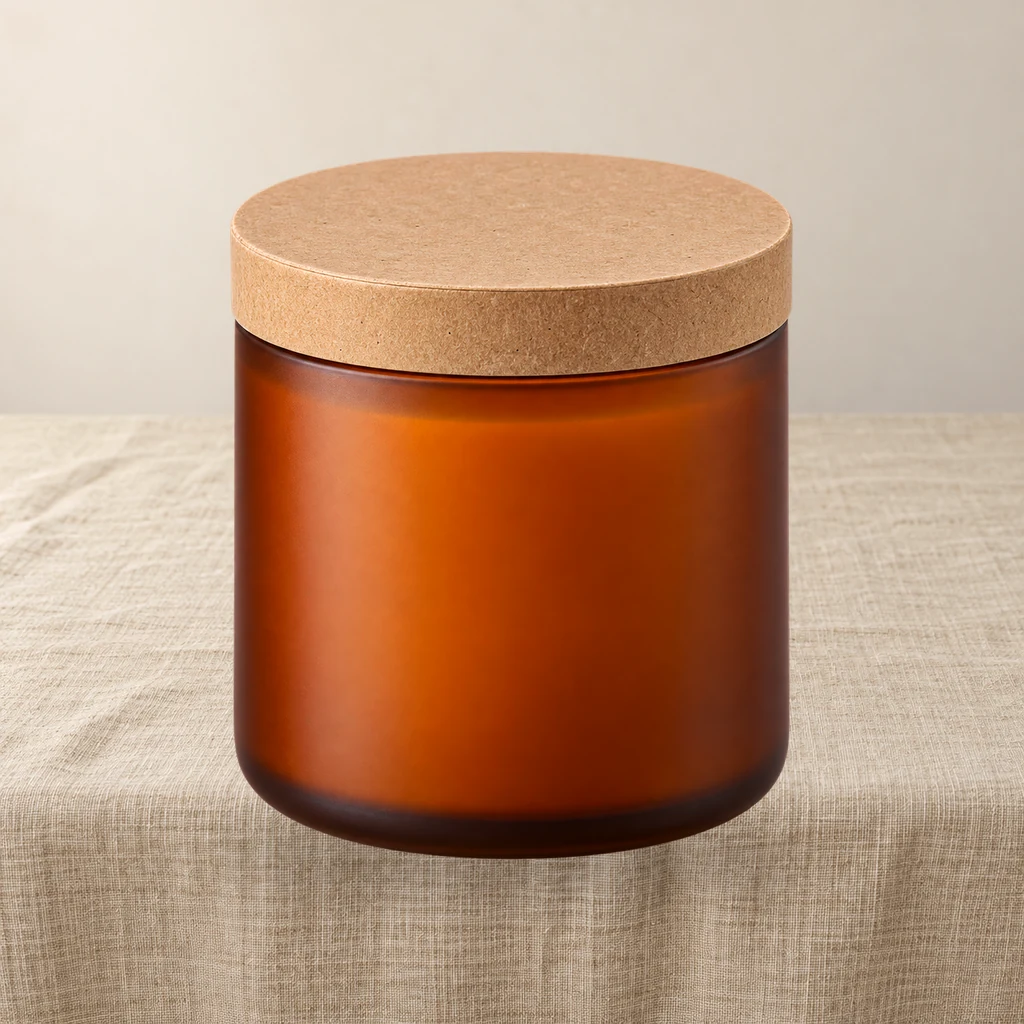
Product relight: match a cutout to the scene light
A low-denoise FLUX.1 schnell pass masked by the product alpha, then the original alpha is reattached so the output stays transparent and the silhouette does not drift.
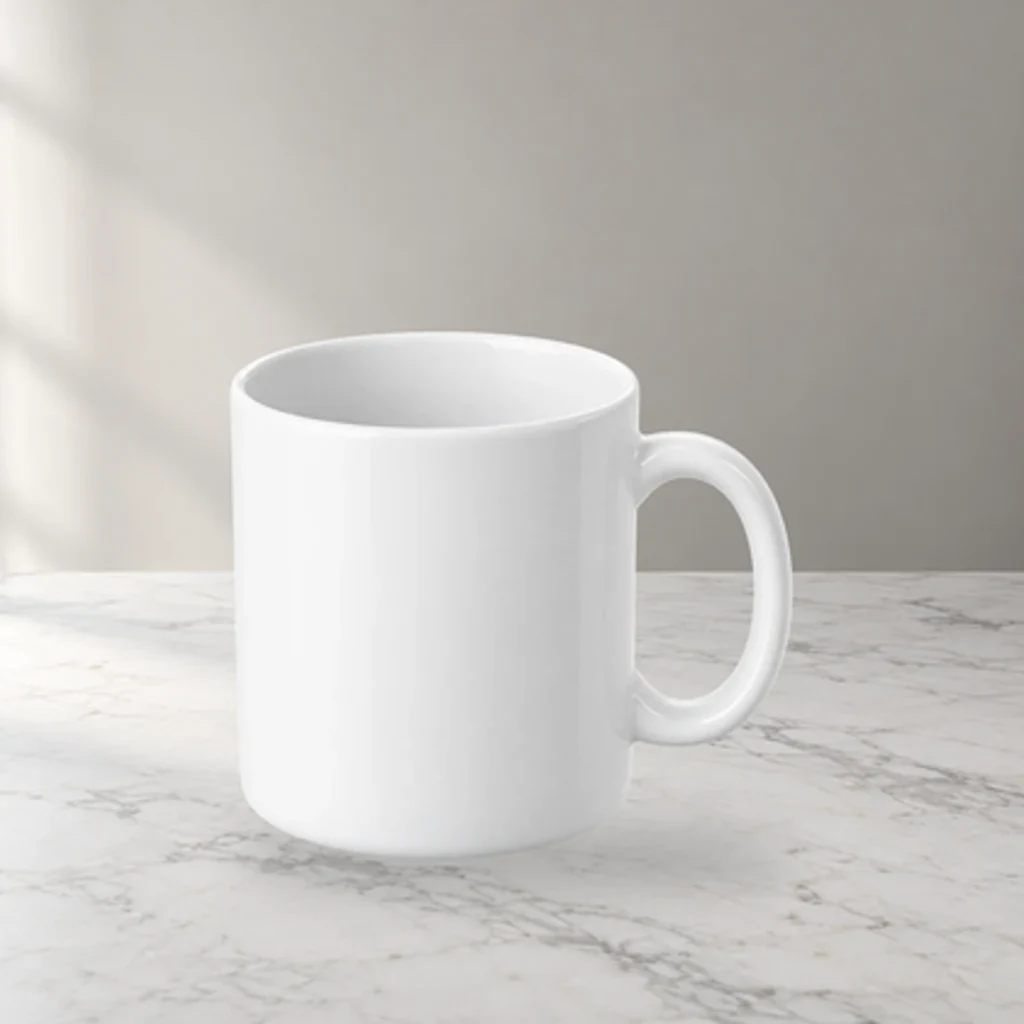
Product scene compositor: FLUX.1 schnell backgrounds, unchanged product pixels
Upload a transparent product PNG and a scene prompt. FLUX.1 schnell generates three backdrops; the product is composited from its alpha, so labels and logos are never redrawn.