Grounded contact shadows for product shots
Derive a soft, tight or floating contact shadow from a transparent product PNG. Three presets, ComfyUI core nodes, no model download.
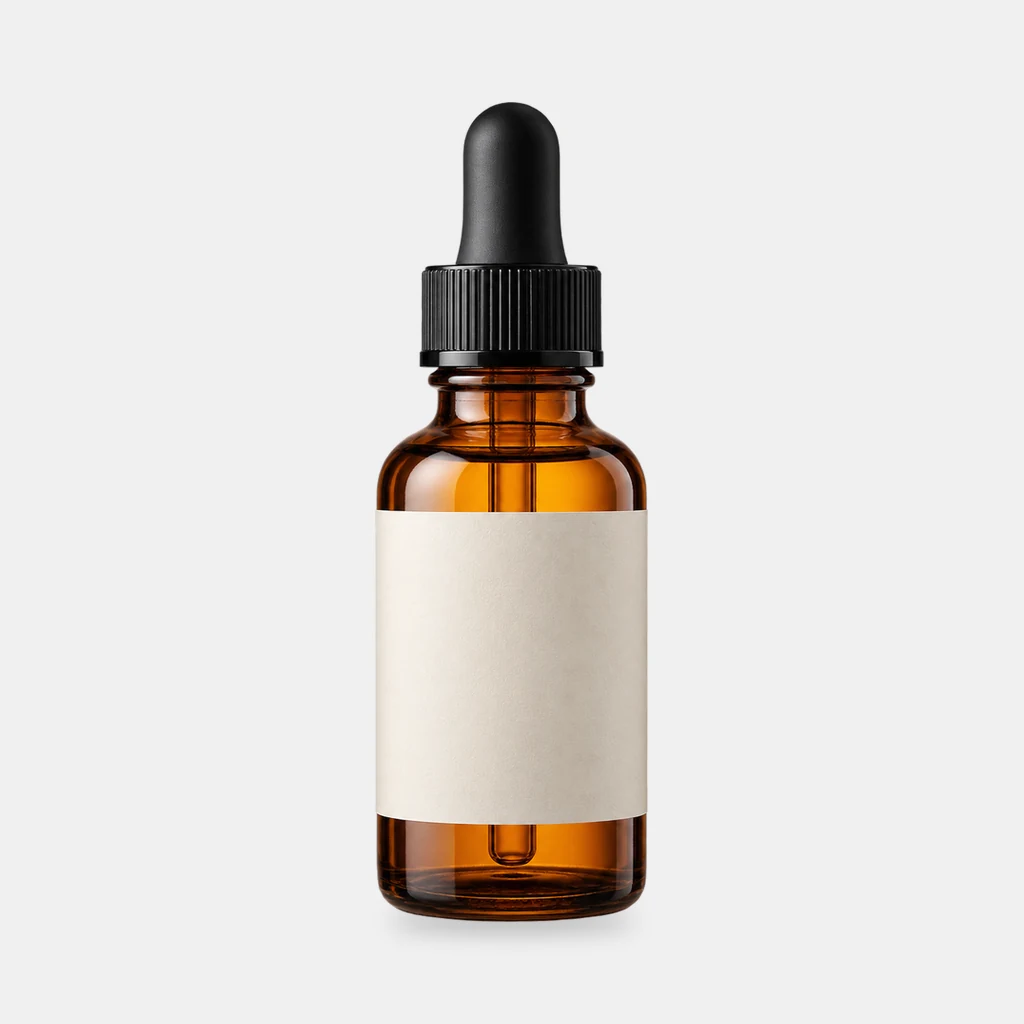
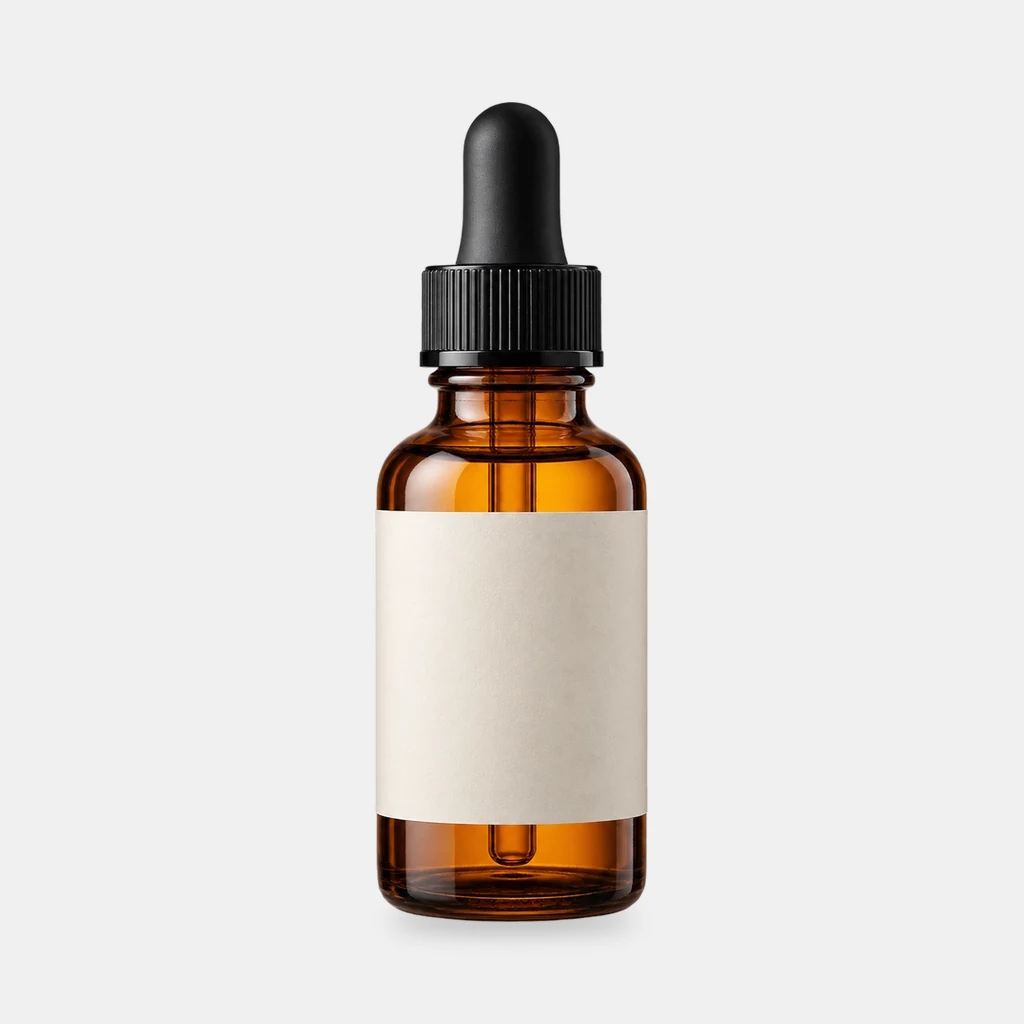
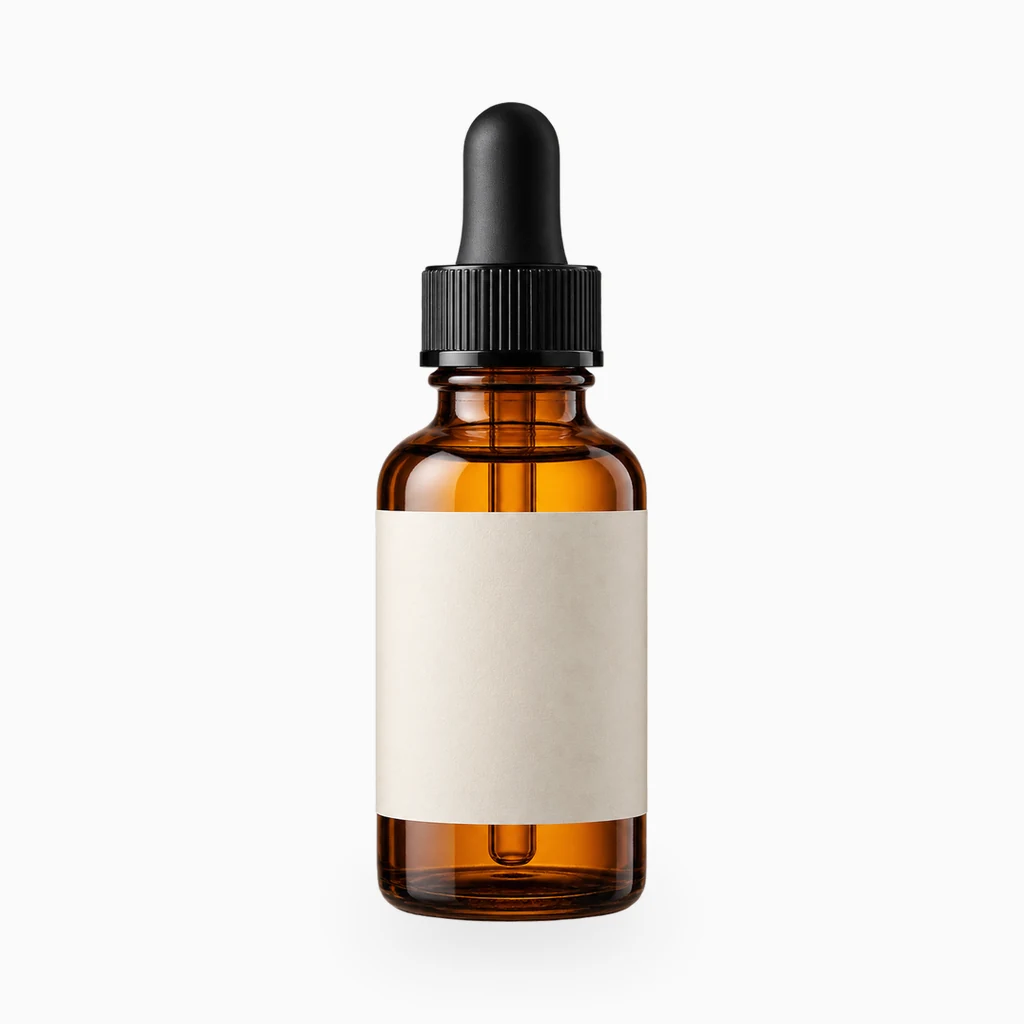
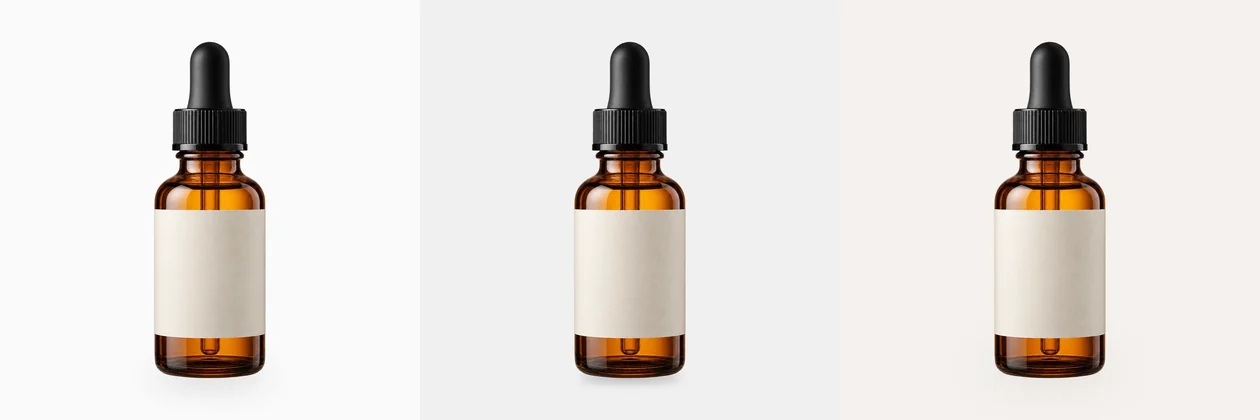
These are fixed historical examples. The demo does not execute workflows or offer redemption and downloads.
Overview
Where the sticker look comes from
The cutout can be clean and the composite still reads as fake. The usual cause is not the edge; it is the missing contact shadow. A real product leaves a darker area tied to its height, material and key-light direction. Without that area, the product floats.
This workflow derives the shadow from the transparent PNG's alpha. You do not paint a mask by hand.
Three presets
- Soft studio: large radius, low opacity; white or light-grey backdrops
- Tight tabletop: small radius, short offset; desks, stone, wood
- Floating: large offset, softer blur; shoes, bags, levitated display
Pipeline
- 1Load the transparent PNG and center it on 1024 square
- 2Derive the shadow mask from alpha
- 3Blur and offset according to the preset
- 4Composite the shadow, then the product
- 5Save three comparison images
Limits
The shadow direction is a fixed preset; it does not infer the key light. The tutorial shows how to choose the matching preset from the product highlight and the source shadow. If none match, rotate the product 90° or build the shadow in an external tool.
Clean-room graph authored for LatentBay; no third-party workflow JSON, prompts, images, video or prose copied. output license: commercial ComfyUI core: GPL-3.0 (https://github.com/comfyanonymous/ComfyUI)
Related guides
Fit any product into a white marketplace frame without cropping
Portrait, square and landscape shots all need the same clean square canvas. Learn a fit-and-pad workflow that keeps the whole product and adds a real safe margin.
FLUX.1 schnell product scenes without regenerating the product
Generate the set, composite the real product, and ground it with a contact shadow. A clean-room workflow that keeps packaging text and logos pixel-identical.
Product relight: matching a cutout to the scene light
A low-denoise FLUX.1 schnell pass masked by the product alpha, with the original alpha reattached. Where the safe range is, and when not to use it.
Related workflows
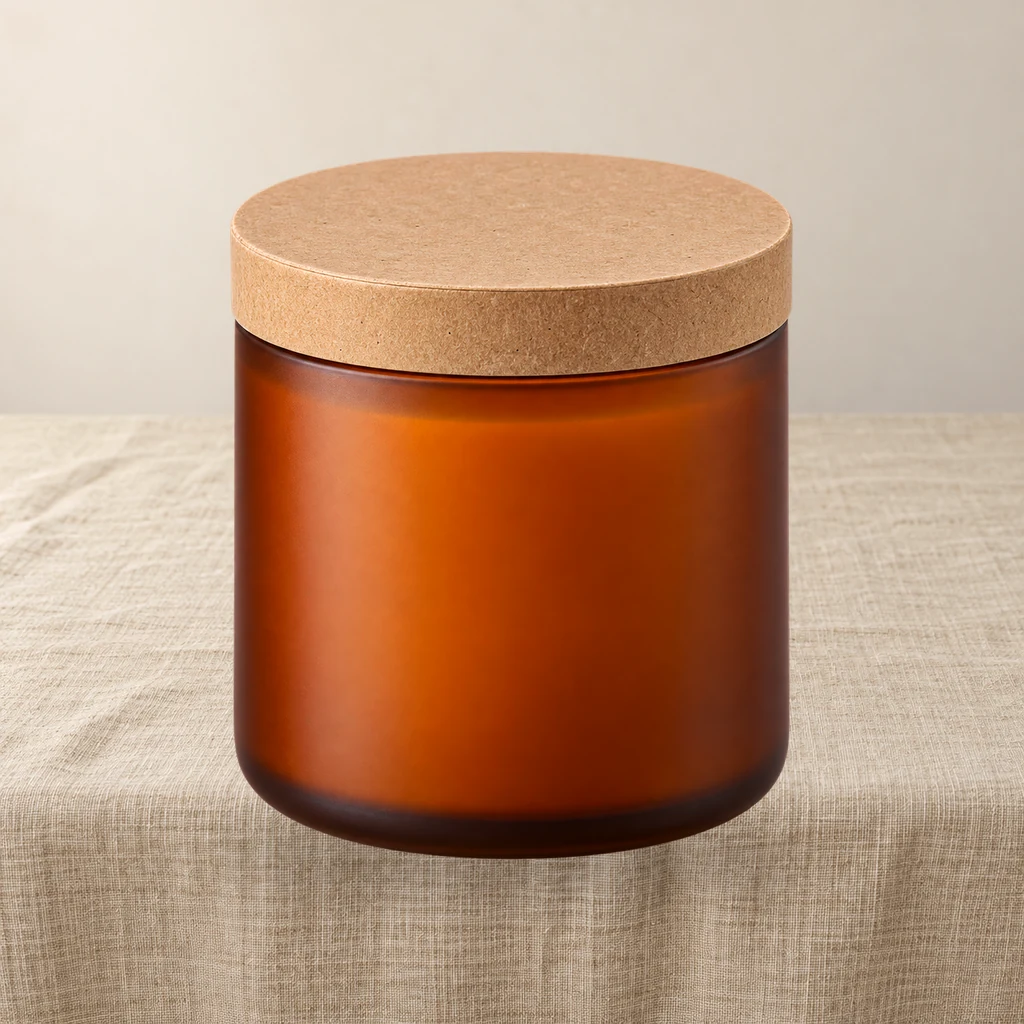
Product relight: match a cutout to the scene light
A low-denoise FLUX.1 schnell pass masked by the product alpha, then the original alpha is reattached so the output stays transparent and the silhouette does not drift.
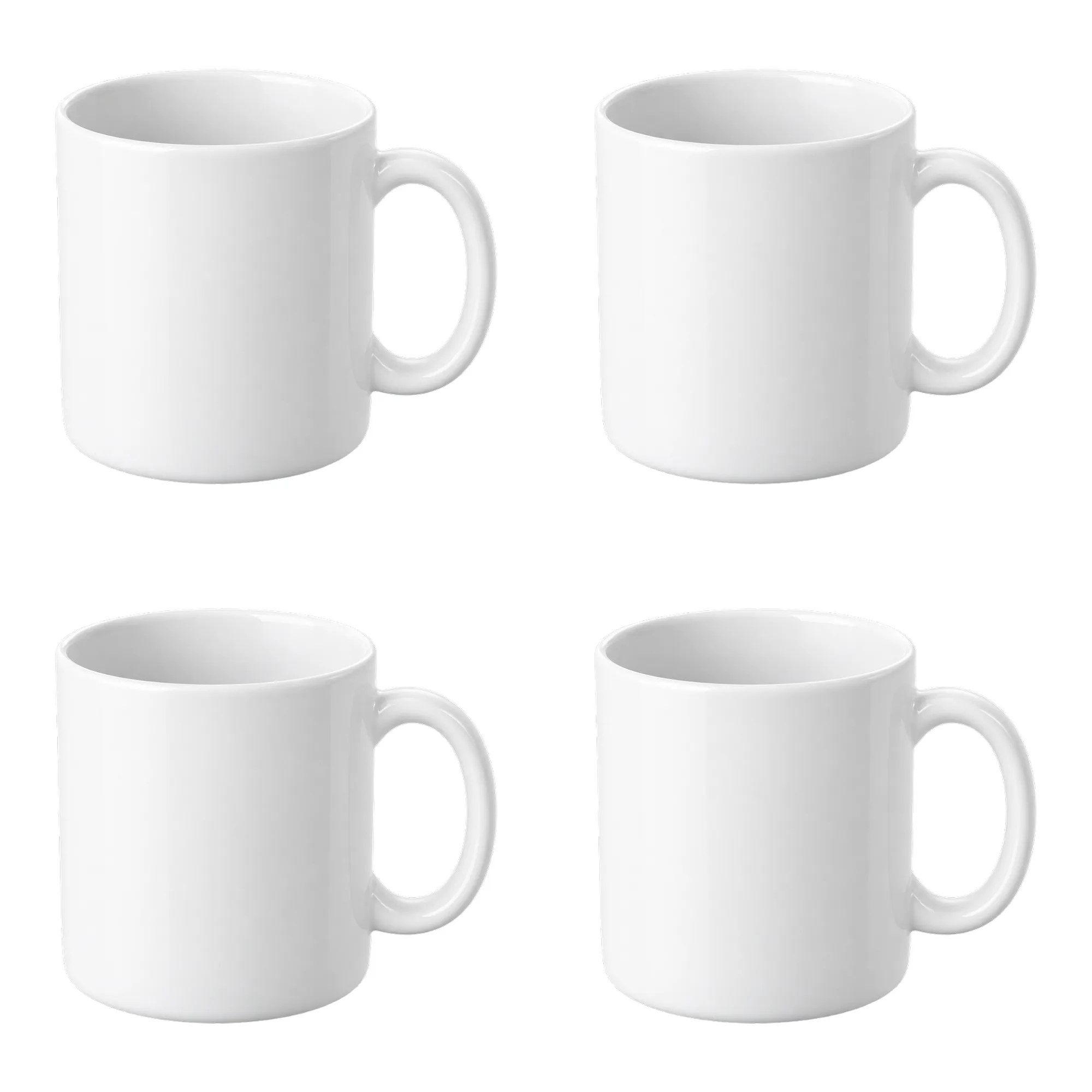
Contact sheet pack: 2×2 and 3×3 product grids on white
Turn one product cutout into two 2000×2000 detail-page grids with even spacing and white margins. Pure ComfyUI core nodes, no model download.
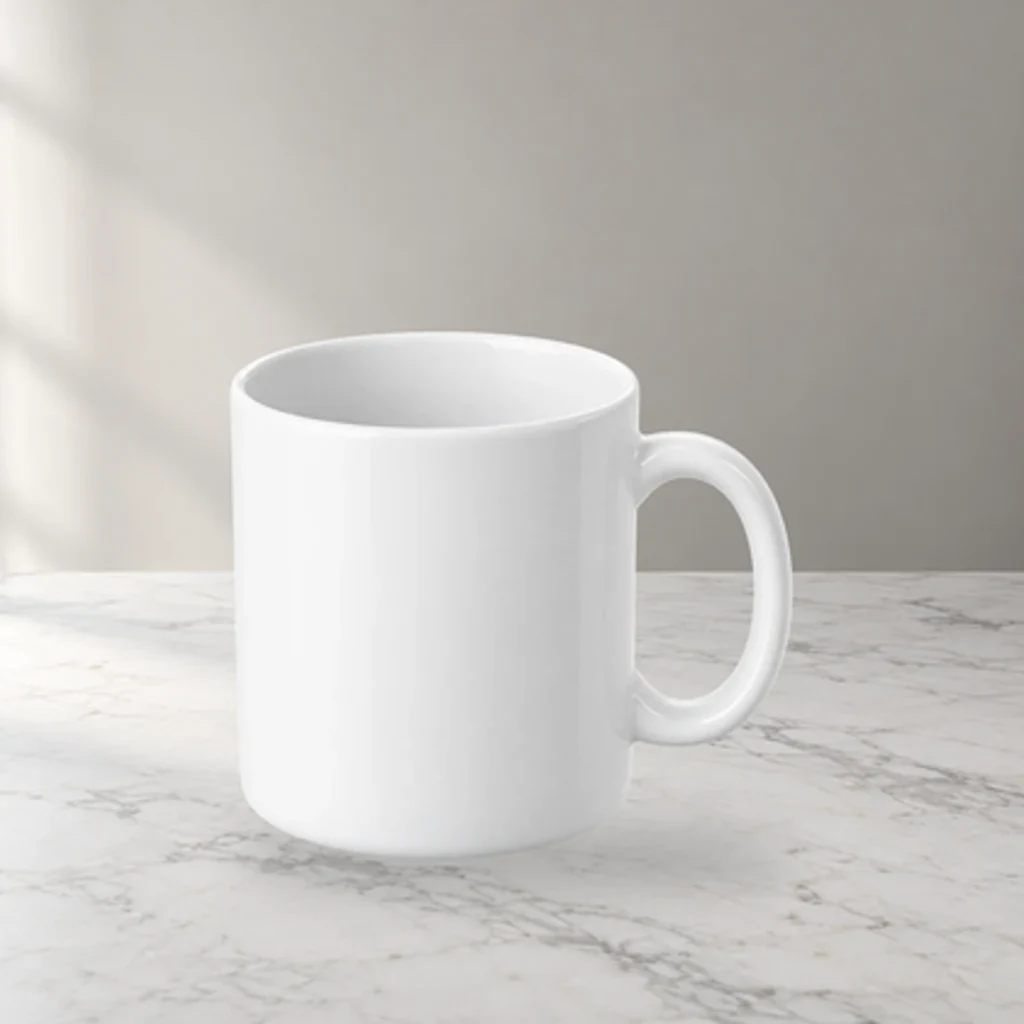
Product scene compositor: FLUX.1 schnell backgrounds, unchanged product pixels
Upload a transparent product PNG and a scene prompt. FLUX.1 schnell generates three backdrops; the product is composited from its alpha, so labels and logos are never redrawn.