Product relight: match a cutout to the scene light
A low-denoise FLUX.1 schnell pass masked by the product alpha, then the original alpha is reattached so the output stays transparent and the silhouette does not drift.
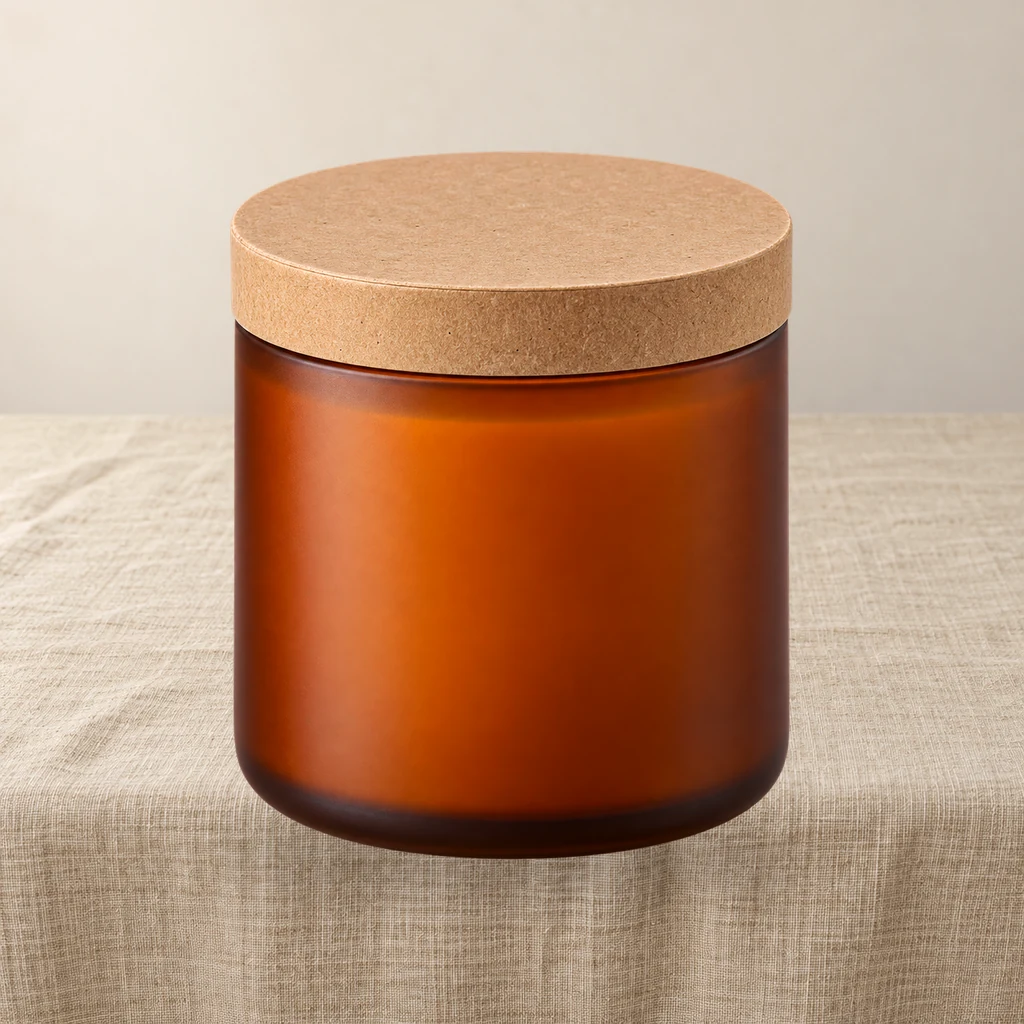
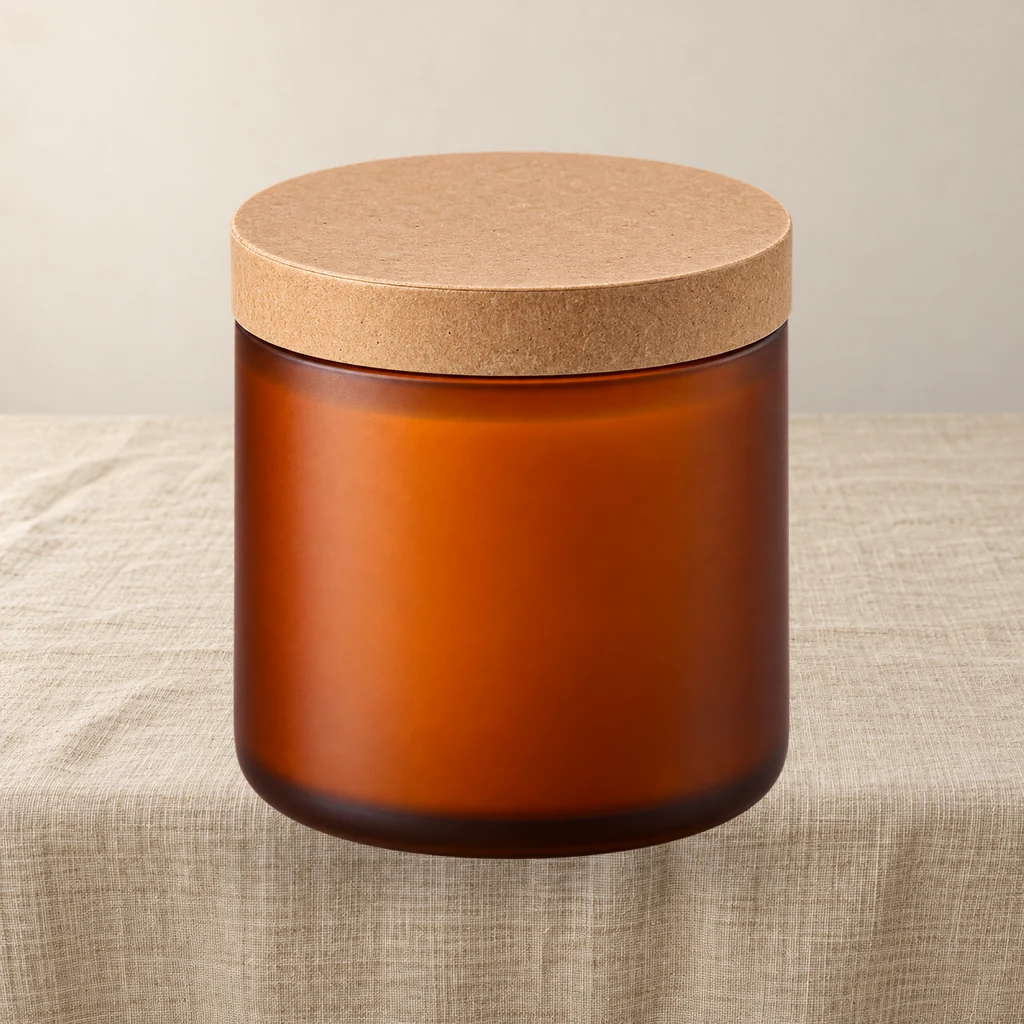
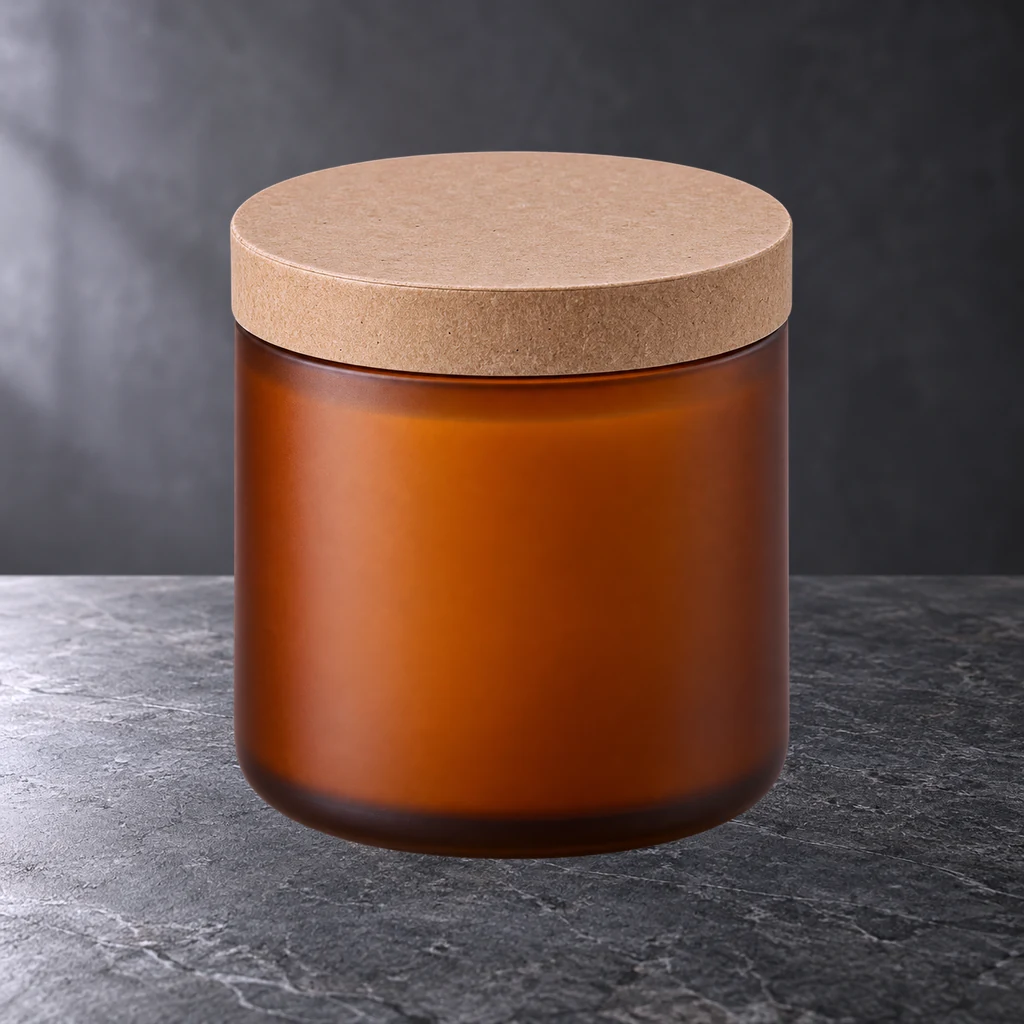
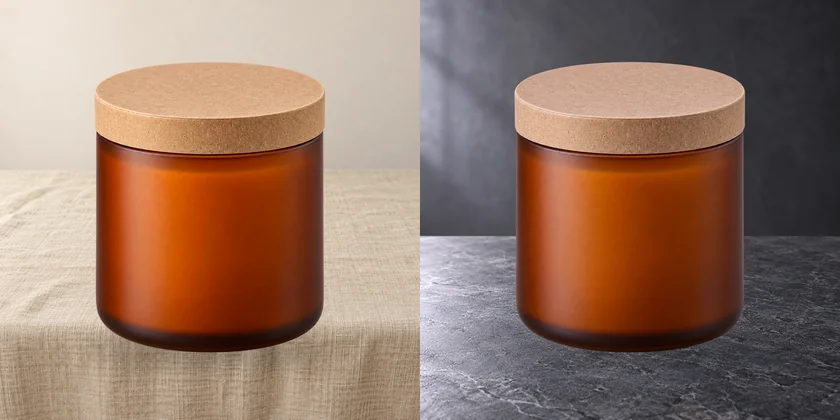
These are fixed historical examples. The demo does not execute workflows or offer redemption and downloads.
Overview
When relighting helps
After compositing, if the product highlight points in a different direction from the scene key light, it reads as pasted. Relighting changes only the product's light, not its shape or position.
Method
- 1Load the transparent product PNG and center it on 1024 square
- 2Use alpha as a mask to lock the product area
- 3Run a low-denoise FLUX.1-schnell pass (0.2–0.3)
- 4Decode and reattach the original alpha, so the transparent background and silhouette survive
- 5Save the relit transparent PNG — product pixels come from the low-denoise pass, and text stability depends on denoise
Safe range
0.2–0.3 denoise is the safe range. Above 0.35, packaging text and thin lines start to warp; above 0.5 it is closer to repainting the product and unsuitable for branded goods.
Limits
This is not physically based relighting and cannot change material reflectance. Mirror metal, glass and clear plastic are limited. The tutorial says which categories should be shot for real instead.
Clean-room graph authored for LatentBay; no third-party workflow JSON, prompts, images, video or prose copied. output license: commercial FLUX.1-schnell: Apache-2.0 (https://huggingface.co/black-forest-labs/FLUX.1-schnell) ComfyUI core: GPL-3.0 (https://github.com/comfyanonymous/ComfyUI)
Related guides
Related workflows
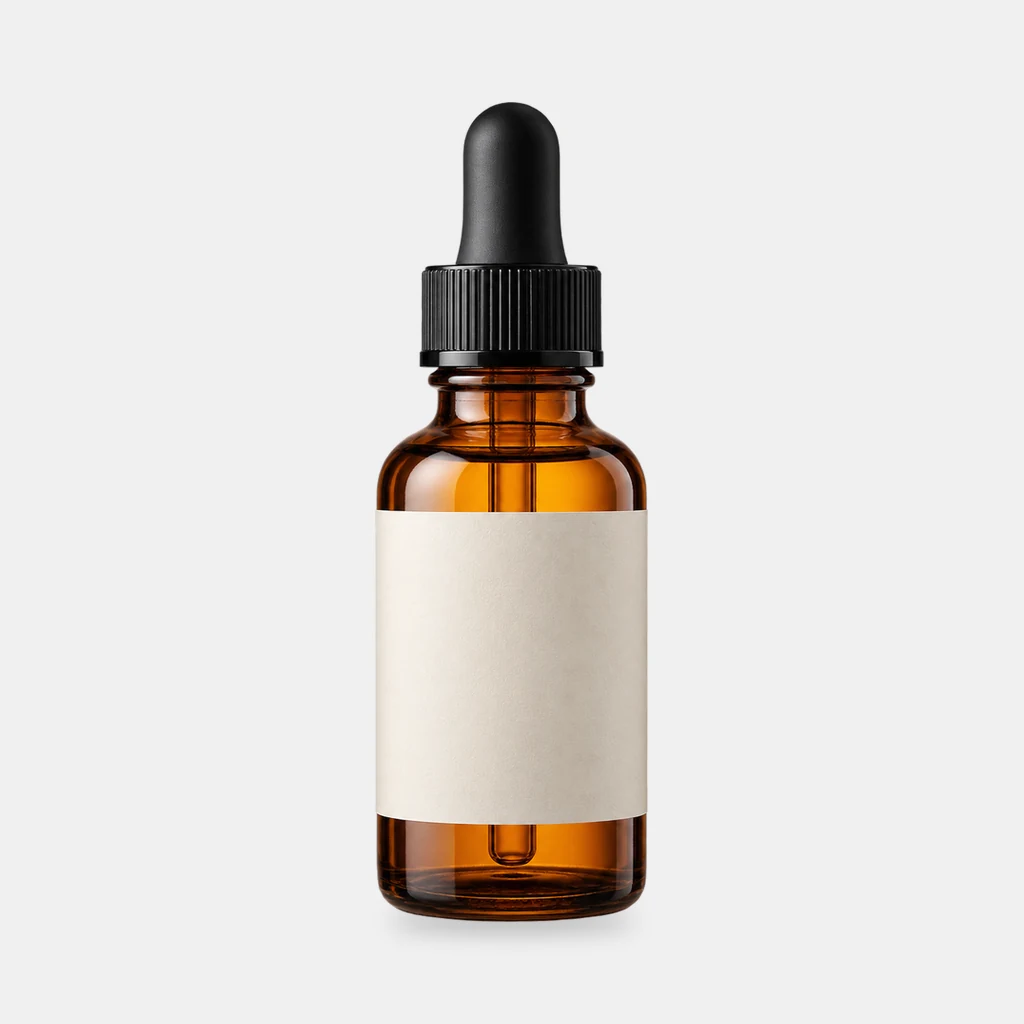
Grounded contact shadows for product shots
Derive a soft, tight or floating contact shadow from a transparent product PNG. Three presets, ComfyUI core nodes, no model download.
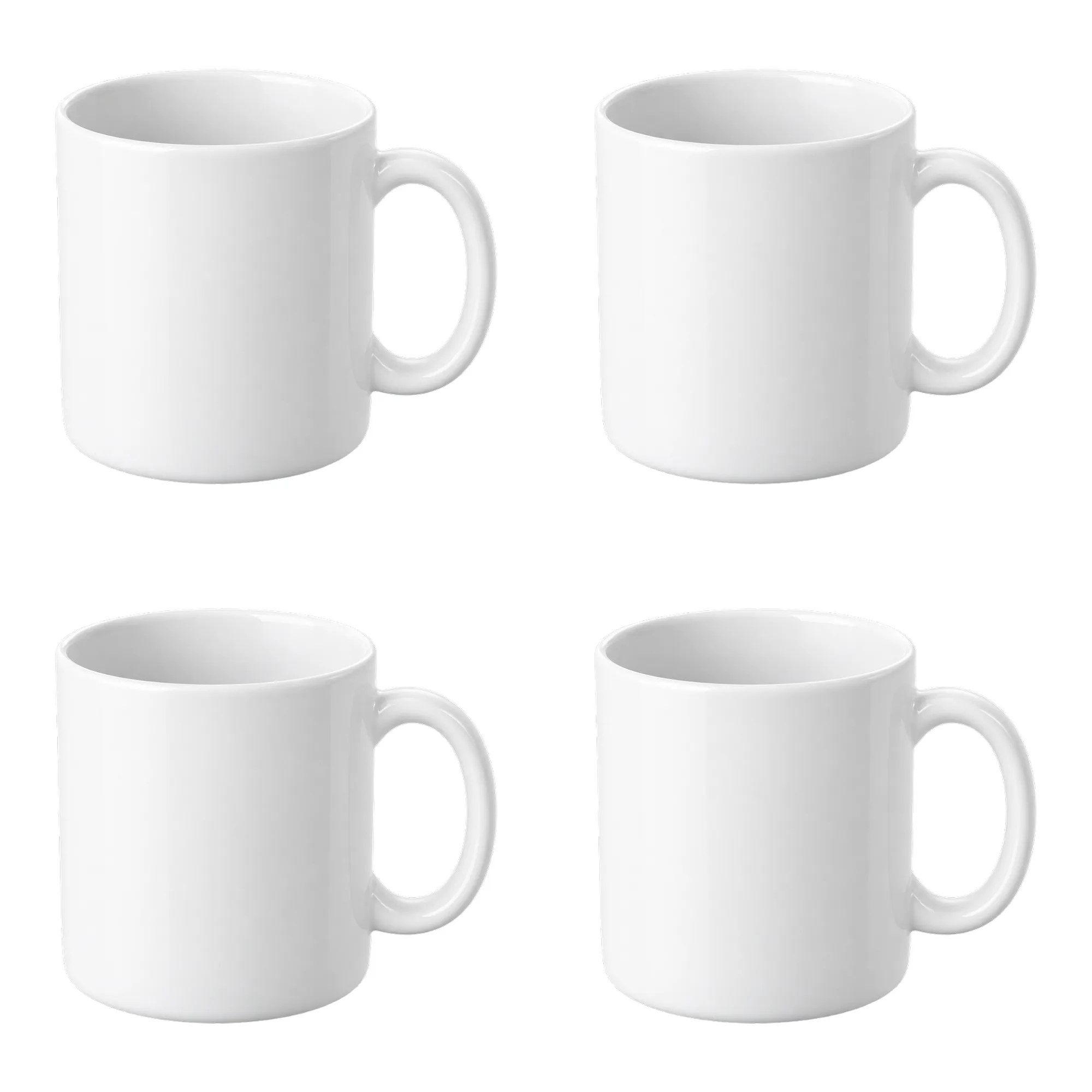
Contact sheet pack: 2×2 and 3×3 product grids on white
Turn one product cutout into two 2000×2000 detail-page grids with even spacing and white margins. Pure ComfyUI core nodes, no model download.
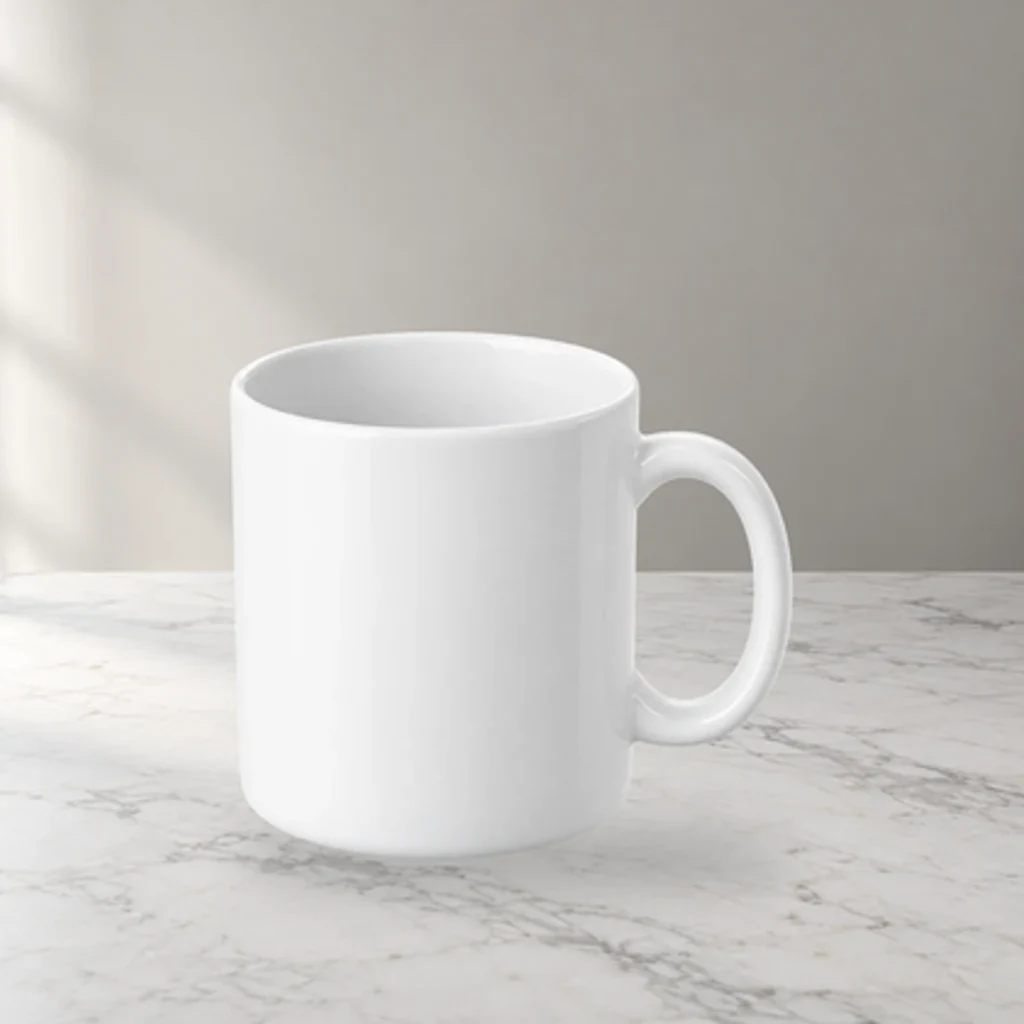
Product scene compositor: FLUX.1 schnell backgrounds, unchanged product pixels
Upload a transparent product PNG and a scene prompt. FLUX.1 schnell generates three backdrops; the product is composited from its alpha, so labels and logos are never redrawn.