Build a 2×2 or 3×3 product grid in ComfyUI, evenly spaced
A detail-page grid should be a template, not a manual alignment job. Learn a core-node layout that keeps every tile the same size with clean white gaps.
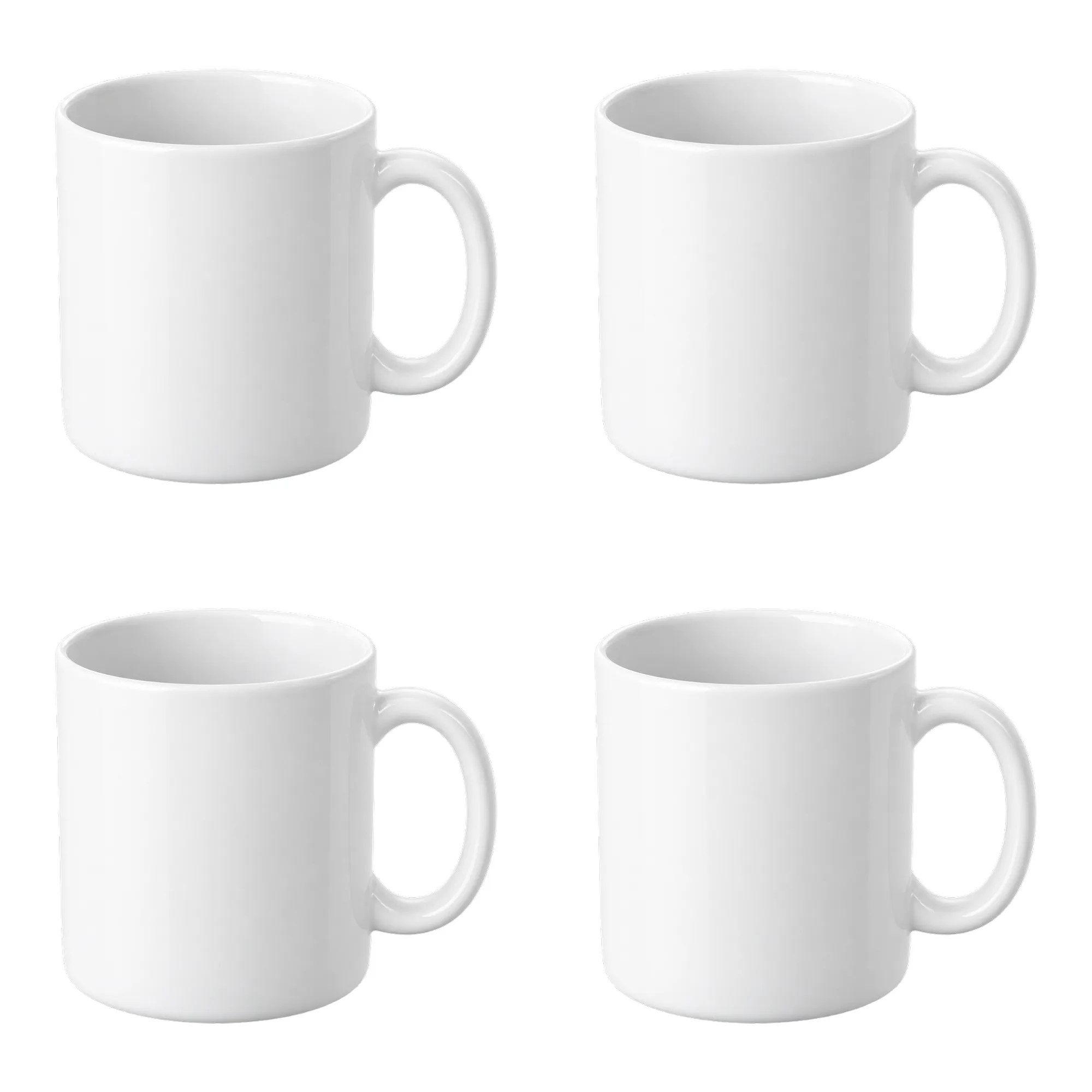
Spacing is where grids break
A detail-page overview looks simple: duplicate the product a few times and lay it out in a grid. The time goes into alignment — tile size, gaps, outer margin. If one value drifts, the whole sheet looks off.
Make it a template: one input product image, one fixed layout, repeatable every time.

The 2×2 math
- Tile 800×800
- Gap 20 px
- Outer margin 20 px
- Canvas = 20 + 800 + 20 + 800 + 20 = 1660
- Scale proportionally to 2000×2000
The four top-left corners are (20,20), (840,20), (20,840) and (840,840).
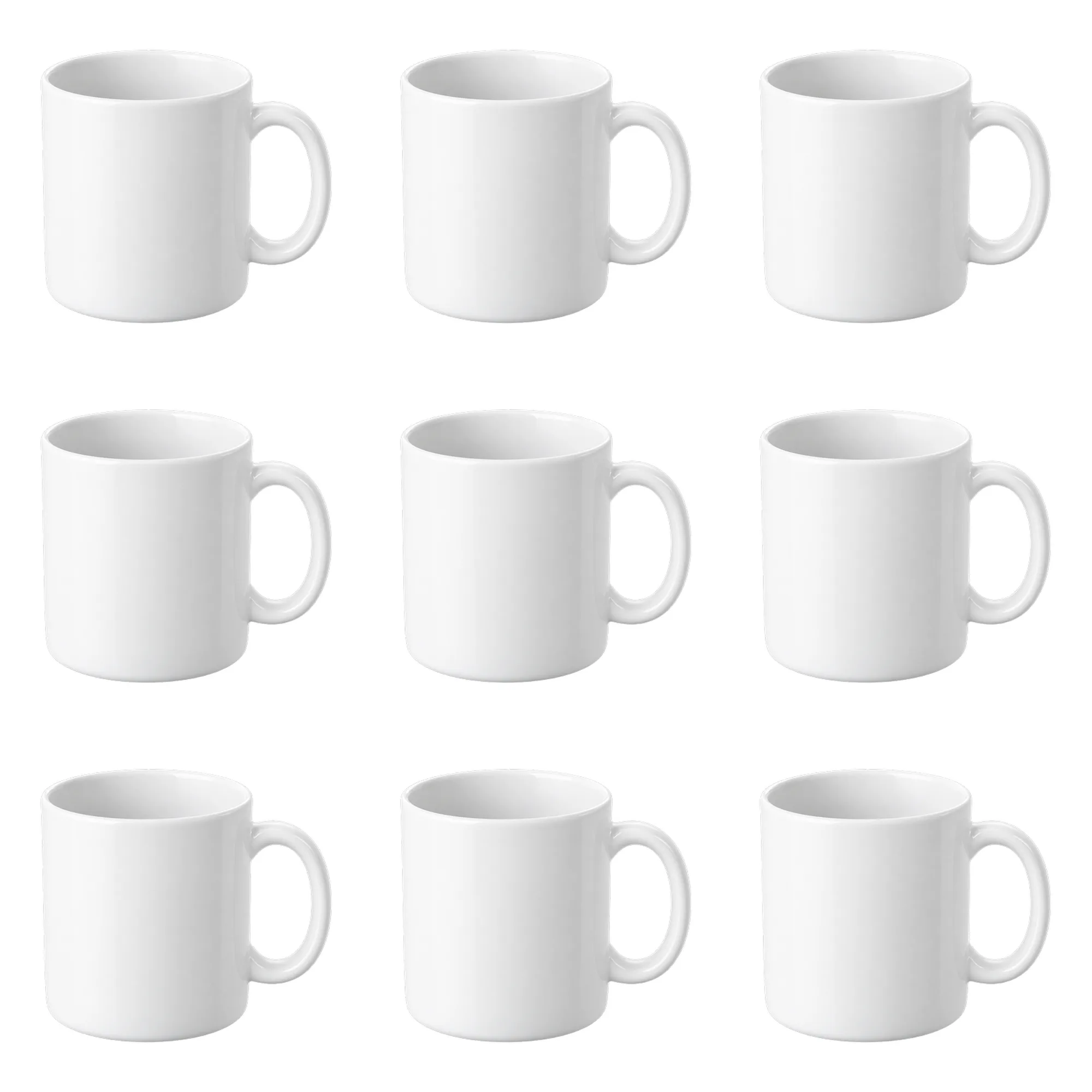
The 3×3 math
- Tile 520×520
- Gap 20 px
- Outer margin 20 px
- Canvas = 20 + 520 + 20 + 520 + 20 + 520 + 20 = 1640
- Also scaled to 2000×2000
The nine x/y positions are combinations of 20, 560 and 1100.
Node order
- 1
LoadImagereads the product - 2
InvertMaskrecovers alpha - 3
MaskToImageturns it into a black-and-white image - 4
ResizeAndPadImageproduces the 800 and 520 tile sizes with black padding - 5
ImageToMaskrecovers the scaled alpha - 6
ResizeAndPadImagescales the source image - 7Composite one tile on an 800/520 white
EmptyImageusing alpha - 8Composite that tile onto the 1660/1640 canvas using a full-tile white mask
- 9
ResizeAndPadImageup to 2000 - 10
SaveImagewrites both sheets
Step 8 must use a full-tile white mask, not the product alpha. With the product alpha, the white background inside each tile is not copied and you get black blocks.
Using different angles
This version repeats one image, which works for an overview or a layout template. For multiple angles:
- Add a
LoadImageper view - Point the matching
ImageCompositeMasked.sourceat it - Keep x/y, tile size and mask unchanged
Spacing and margins stay fixed; only the content changes.
Common issues
Black tile backgrounds? The tile was composited with the product alpha instead of a full-tile white mask. The black comes from the padding added by ResizeAndPadImage.
Uneven tile sizes? The 2×2 and 3×3 grids need their own ResizeAndPadImage sizes; they cannot share one.
Clipped edges? The source product touches the frame. Trim it to the product bounds first, or run the white-canvas workflow to add a safe margin before building the sheet.
Related workflows
Related guides
- Fit any product into a white marketplace frame without cropping
- Marketplace crop pack: Amazon, Etsy, Shopify and OG in one run
- Batch product scenes: four scene shots in one run
A grid belongs in the middle of a detail page, summarizing the selling points. Keep the main image as a single white-canvas shot so marketplace thumbnails do not squeeze four tiles into a tiny square. When you later add more angles, keep the same tile size and gap values; changing one grid without the other is the fastest way to make a detail page look inconsistent.
Workflows used in this guide
Check the version's test records and delivery status. Online trials are available only when enabled.
Contact sheet pack: 2×2 and 3×3 product grids on white
Turn one product cutout into two 2000×2000 detail-page grids with even spacing and white margins. Pure ComfyUI core nodes, no model download.

White canvas pack: fit any product into a clean marketplace frame
Fit a portrait, square or landscape product shot into 2000/1600/1200 white canvases without cropping or stretching. Pure ComfyUI core nodes, one run.

Marketplace crop pack: Amazon, Etsy, Shopify and OG in one run
Turn one square product master into six canvas presets for listing review. Core ComfyUI nodes only, no model download. Check each platform before upload.
Keep reading
Fit any product into a white marketplace frame without cropping
Portrait, square and landscape shots all need the same clean square canvas. Learn a fit-and-pad workflow that keeps the whole product and adds a real safe margin.
FLUX.1 schnell product scenes without regenerating the product
Generate the set, composite the real product, and ground it with a contact shadow. A clean-room workflow that keeps packaging text and logos pixel-identical.
Product relight: matching a cutout to the scene light
A low-denoise FLUX.1 schnell pass masked by the product alpha, with the original alpha reattached. Where the safe range is, and when not to use it.