E-commerce imagery
Product shots, background swaps and batch cutouts — workflows that survive a real listing page.
Workflow library7 workflows
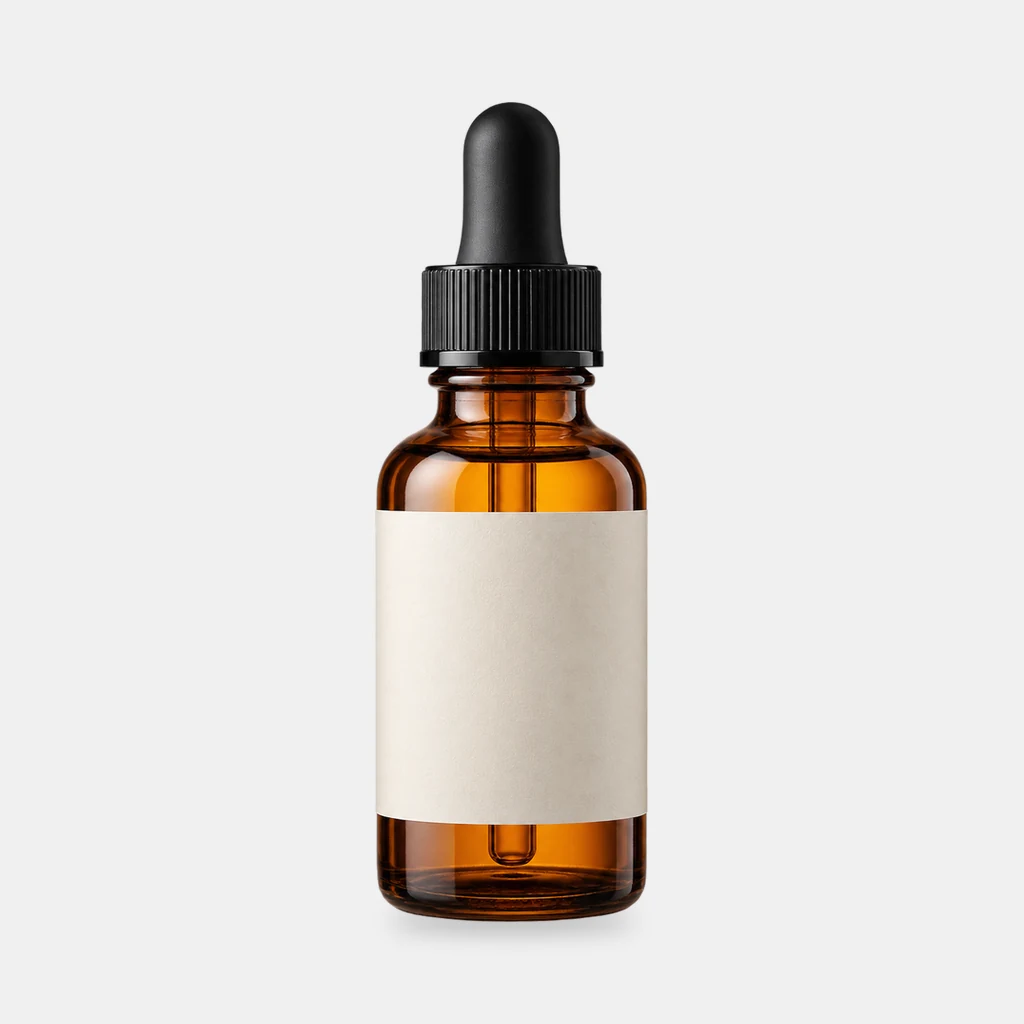
Grounded contact shadows for product shots
Derive a soft, tight or floating contact shadow from a transparent product PNG. Three presets, ComfyUI core nodes, no model download.
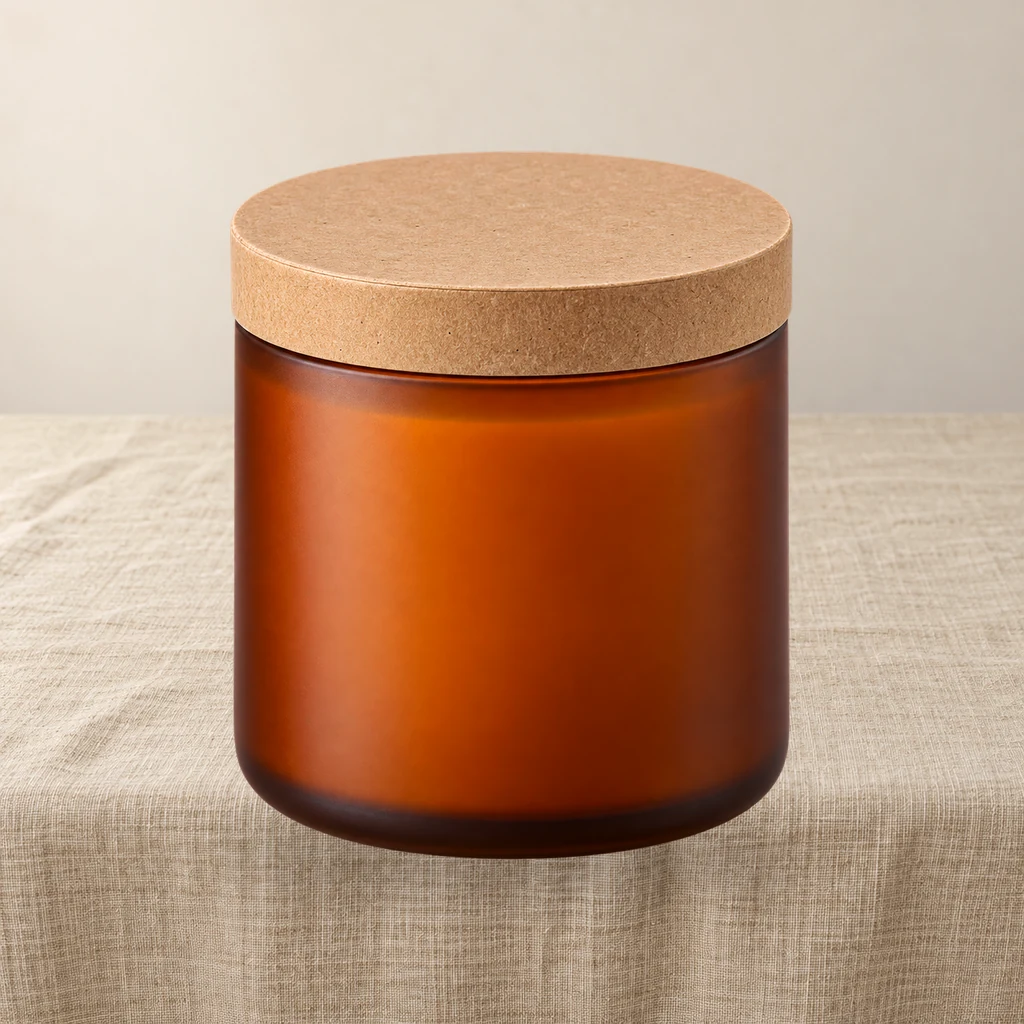
Product relight: match a cutout to the scene light
A low-denoise FLUX.1 schnell pass masked by the product alpha, then the original alpha is reattached so the output stays transparent and the silhouette does not drift.

Contact sheet pack: 2×2 and 3×3 product grids on white
Turn one product cutout into two 2000×2000 detail-page grids with even spacing and white margins. Pure ComfyUI core nodes, no model download.

Product scene compositor: FLUX.1 schnell backgrounds, unchanged product pixels
Upload a transparent product PNG and a scene prompt. FLUX.1 schnell generates three backdrops; the product is composited from its alpha, so labels and logos are never redrawn.

White canvas pack: fit any product into a clean marketplace frame
Fit a portrait, square or landscape product shot into 2000/1600/1200 white canvases without cropping or stretching. Pure ComfyUI core nodes, one run.
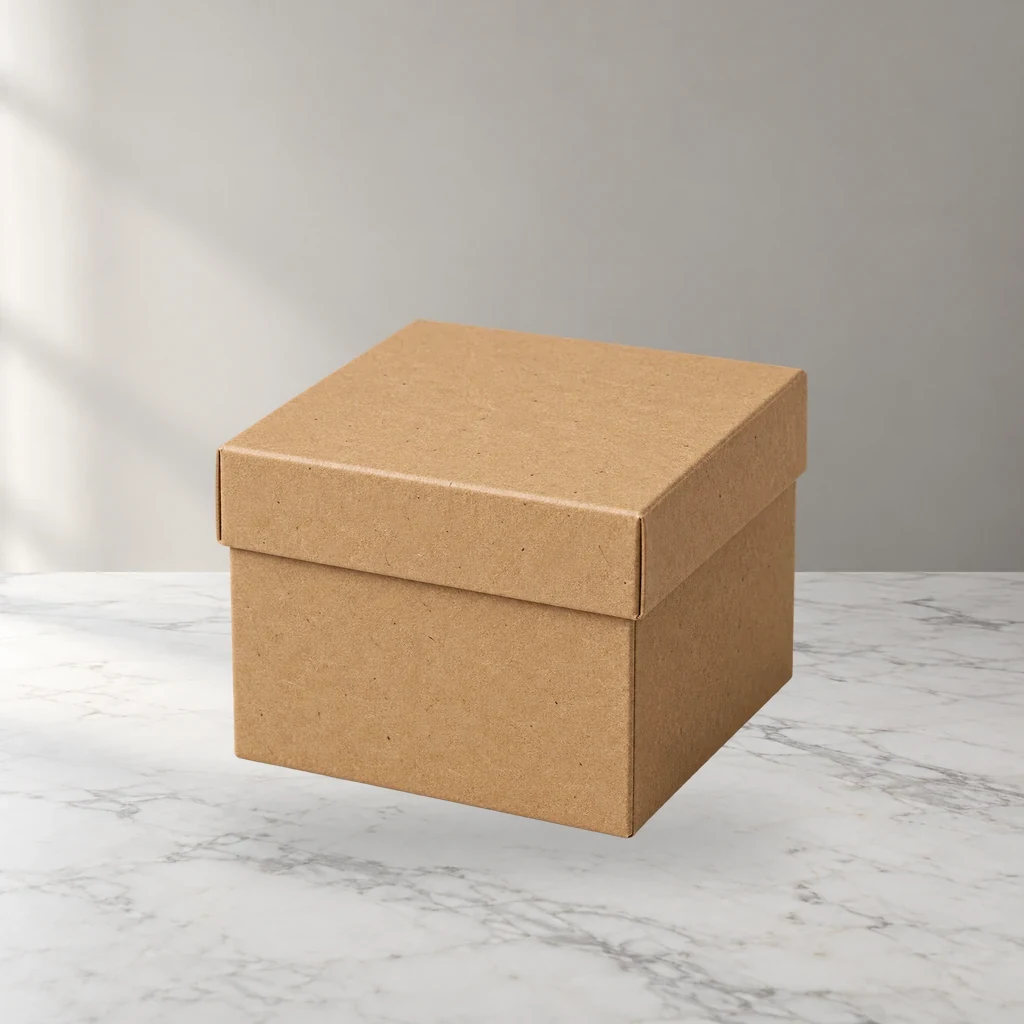
Four product scenes in one FLUX.1 schnell run
One product matte, four scene prompts, one ComfyUI job. Shared product position and shadow; four listing-ready outputs.

Marketplace crop pack: Amazon, Etsy, Shopify and OG in one run
Turn one square product master into six canvas presets for listing review. Core ComfyUI nodes only, no model download. Check each platform before upload.
Related reading
All guidesFit any product into a white marketplace frame without cropping
Portrait, square and landscape shots all need the same clean square canvas. Learn a fit-and-pad workflow that keeps the whole product and adds a real safe margin.
FLUX.1 schnell product scenes without regenerating the product
Generate the set, composite the real product, and ground it with a contact shadow. A clean-room workflow that keeps packaging text and logos pixel-identical.
Product relight: matching a cutout to the scene light
A low-denoise FLUX.1 schnell pass masked by the product alpha, with the original alpha reattached. Where the safe range is, and when not to use it.
Build a 2×2 or 3×3 product grid in ComfyUI, evenly spaced
A detail-page grid should be a template, not a manual alignment job. Learn a core-node layout that keeps every tile the same size with clean white gaps.
Grounded contact shadows in ComfyUI without Photoshop
A clean cutout can still look pasted. Learn how to derive a believable contact shadow from the product alpha, and which preset fits which surface.
Four product scenes in one FLUX.1 schnell run
One product anchor, four prompts, one job. How to keep light direction and product scale consistent across a set of listing images.