Four product scenes in one FLUX.1 schnell run
One product matte, four scene prompts, one ComfyUI job. Shared product position and shadow; four listing-ready outputs.
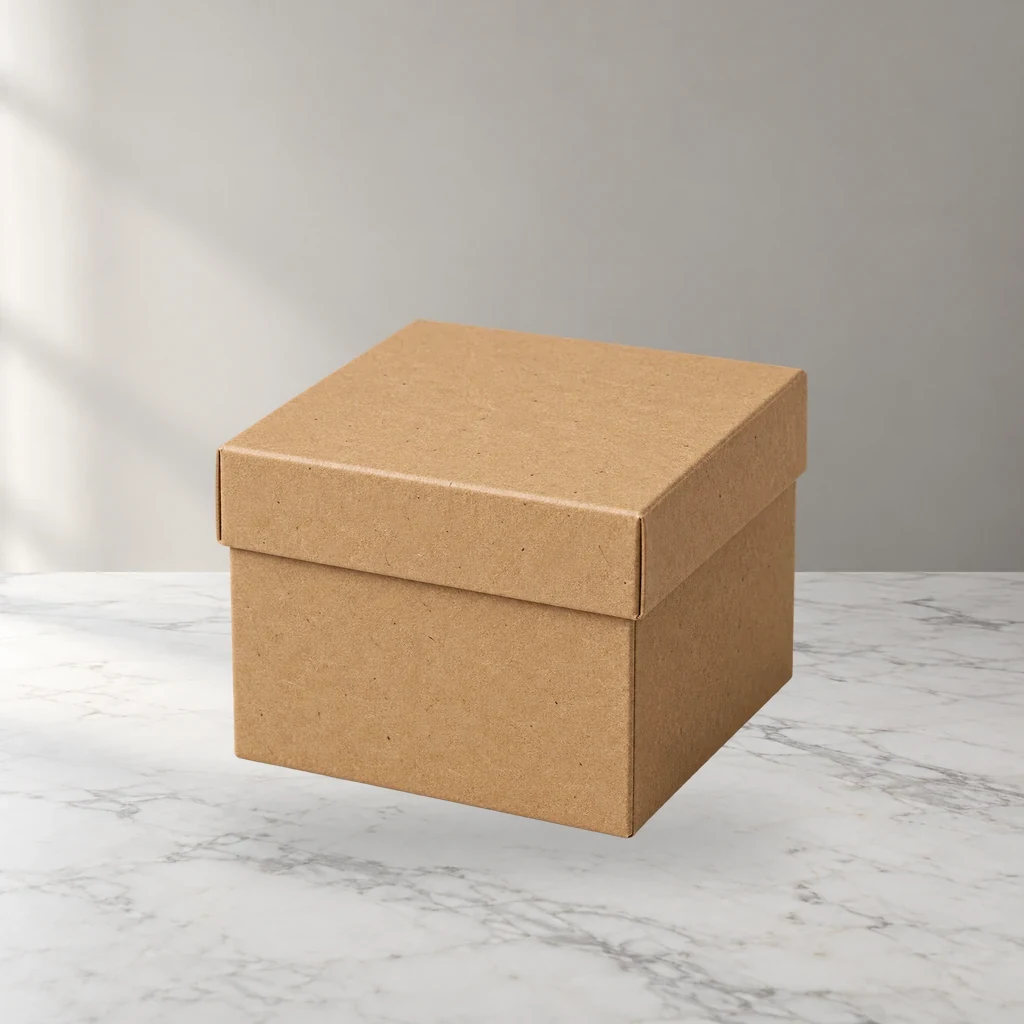
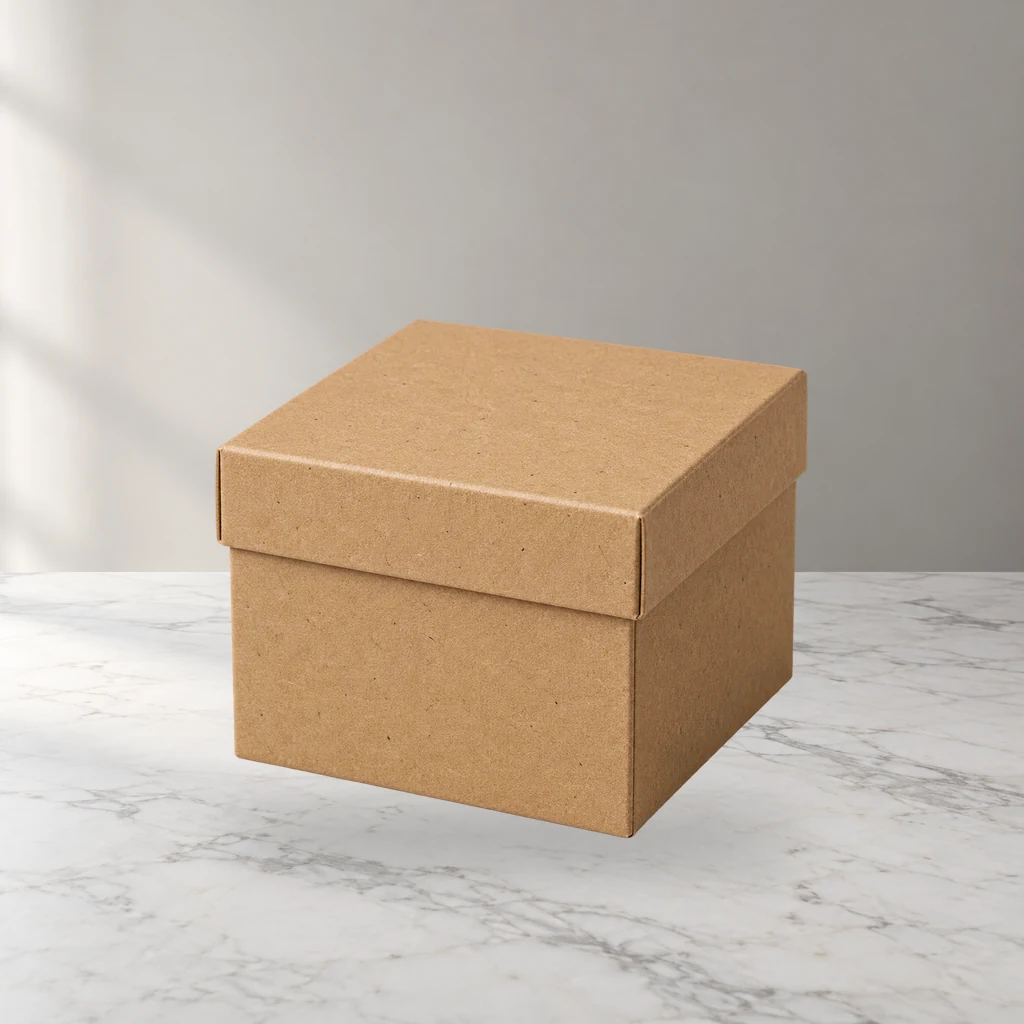
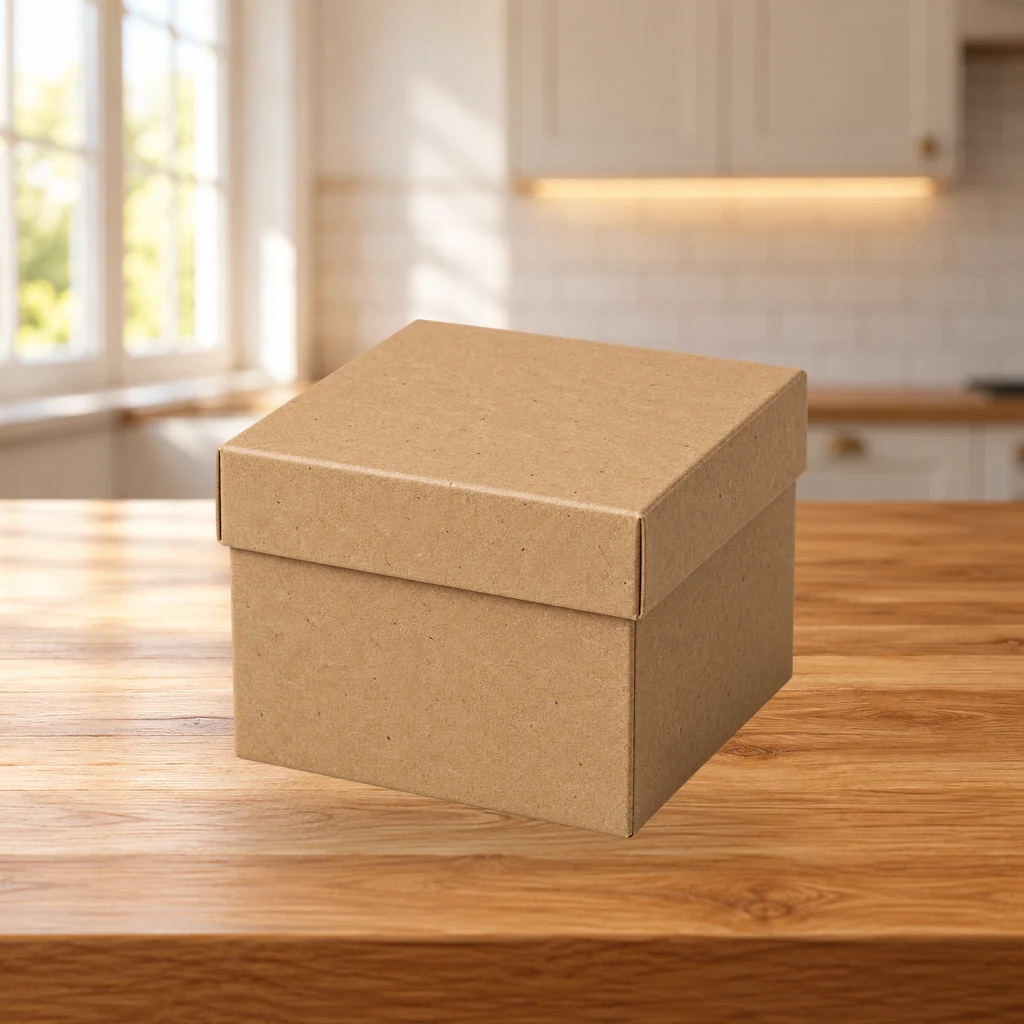
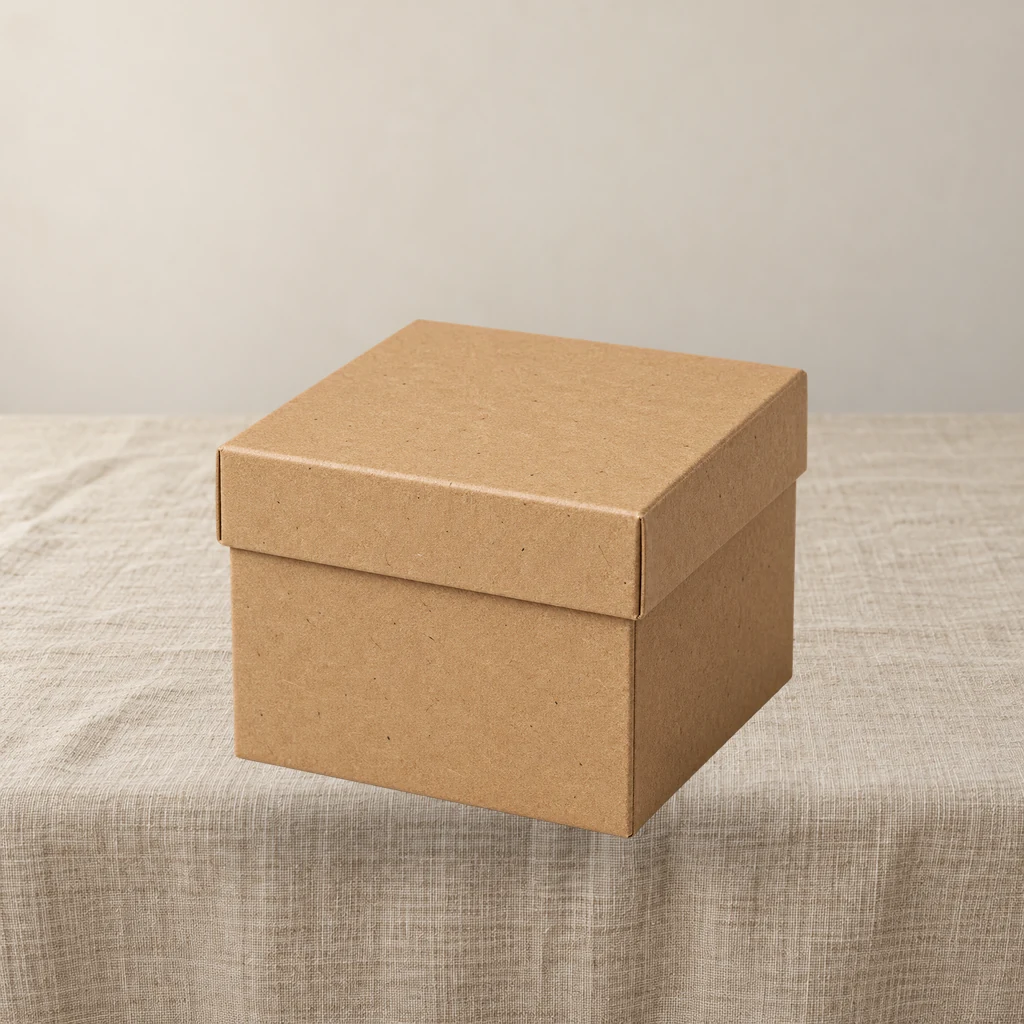
These are fixed historical examples. The demo does not execute workflows or offer redemption and downloads.
Overview
One job, four directions
A single scene composite is good for testing one direction. In a real listing, operators usually need several scenes for the same product. This workflow puts four prompts in one job and shares the product matte, position and shadow, so product size and placement do not drift across separate runs.
Input
- One transparent product PNG
- Four built-in scene prompts: white marble, warm oak, beige linen, dark stone — all with window light from the left; edit the
CLIPTextEncodetext to change a scene - Four fixed seeds (201–204) so the same product reproduces the same set
Output
Four 1024×1024 scenes, numbered by scene for quick selection.
Limits
It is not a queue manager: 20 products still mean 20 jobs. True batch scheduling is a later product. If the four prompts contradict each other on light direction, the product will look inconsistent across the set; the tutorial shows how to write a prompt group with one light direction.
Clean-room graph authored for LatentBay; no third-party workflow JSON, prompts, images, video or prose copied. output license: commercial FLUX.1-schnell: Apache-2.0 (https://huggingface.co/black-forest-labs/FLUX.1-schnell) ComfyUI core: GPL-3.0 (https://github.com/comfyanonymous/ComfyUI)
Related guides
Four product scenes in one FLUX.1 schnell run
One product anchor, four prompts, one job. How to keep light direction and product scale consistent across a set of listing images.
One product photo, six marketplace crops: Amazon, Etsy, Shopify and OG
A practical crop workflow for product listing images: the six ratios that matter, how to keep safe margins, and why a plain resize fails.
Related workflows
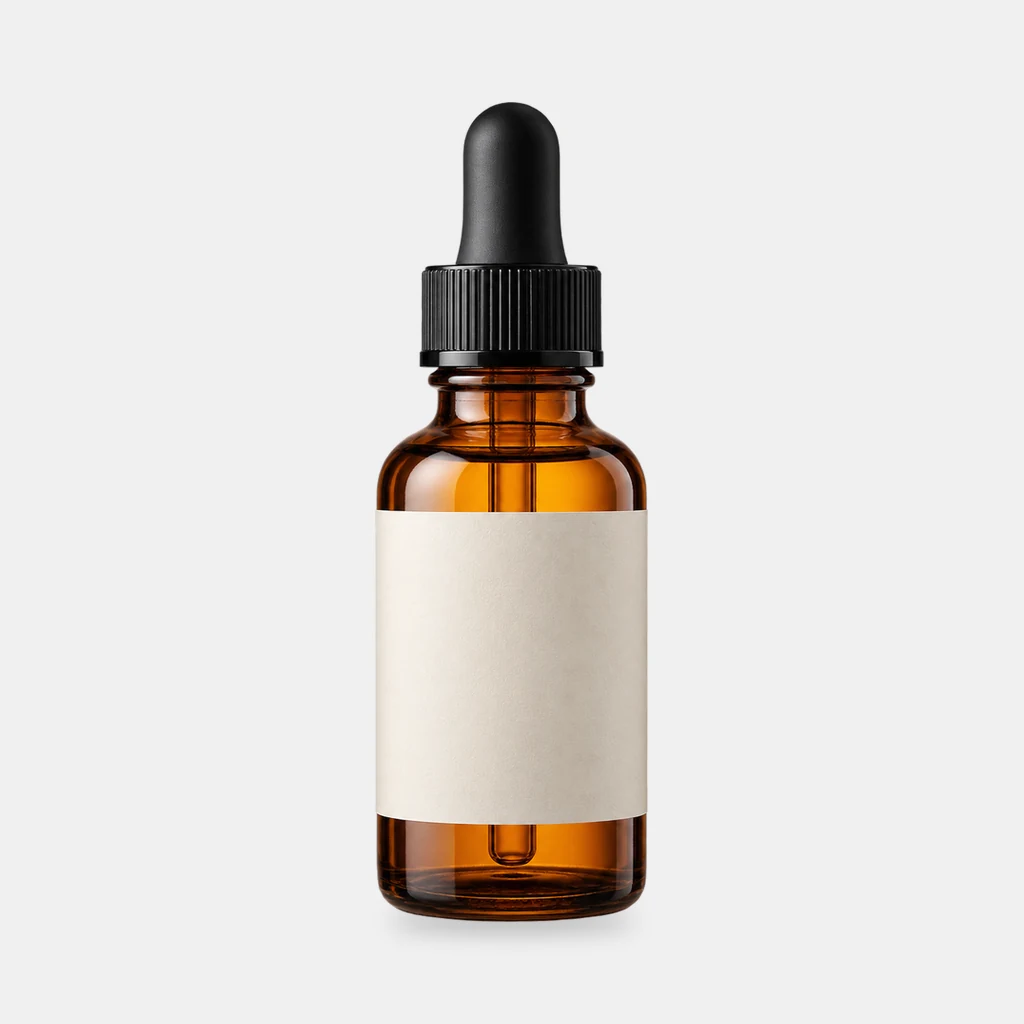
Grounded contact shadows for product shots
Derive a soft, tight or floating contact shadow from a transparent product PNG. Three presets, ComfyUI core nodes, no model download.
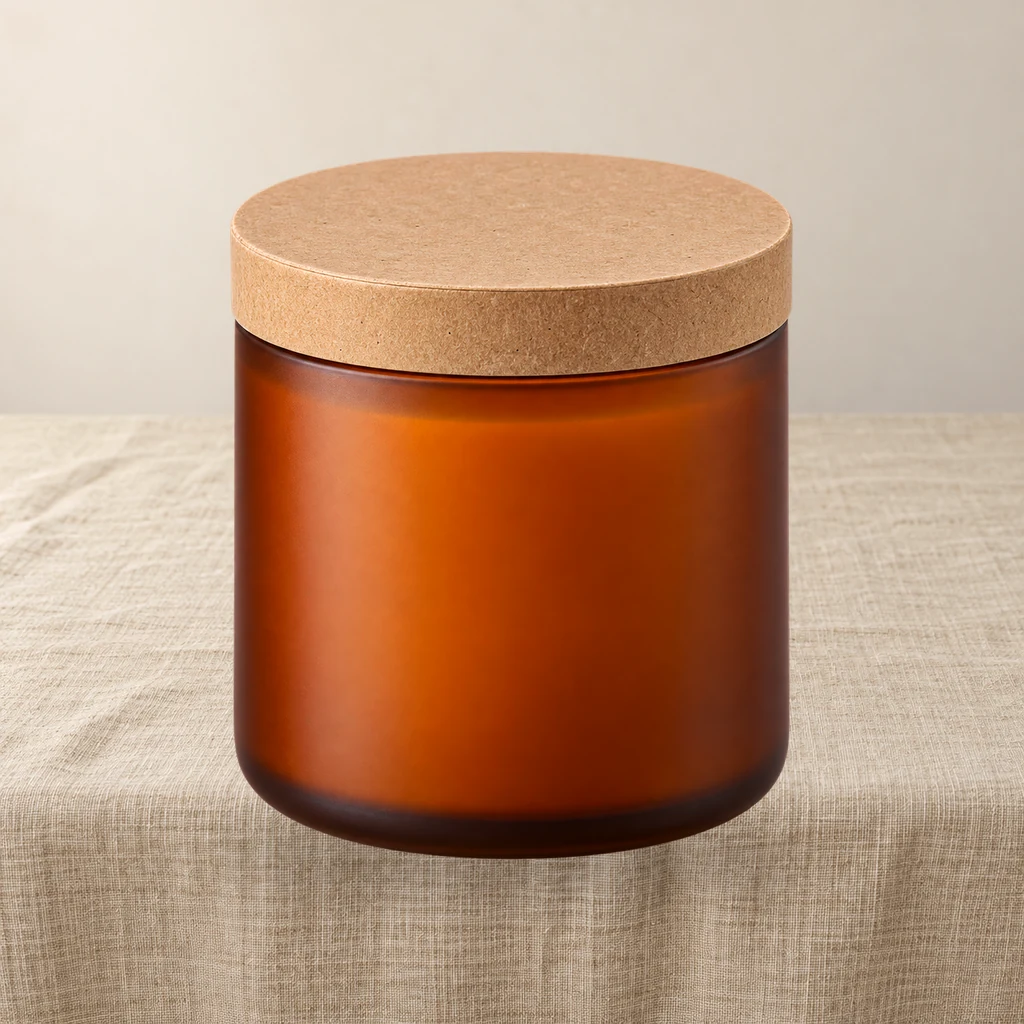
Product relight: match a cutout to the scene light
A low-denoise FLUX.1 schnell pass masked by the product alpha, then the original alpha is reattached so the output stays transparent and the silhouette does not drift.

Contact sheet pack: 2×2 and 3×3 product grids on white
Turn one product cutout into two 2000×2000 detail-page grids with even spacing and white margins. Pure ComfyUI core nodes, no model download.