White canvas pack: fit any product into a clean marketplace frame
Fit a portrait, square or landscape product shot into 2000/1600/1200 white canvases without cropping or stretching. Pure ComfyUI core nodes, one run.
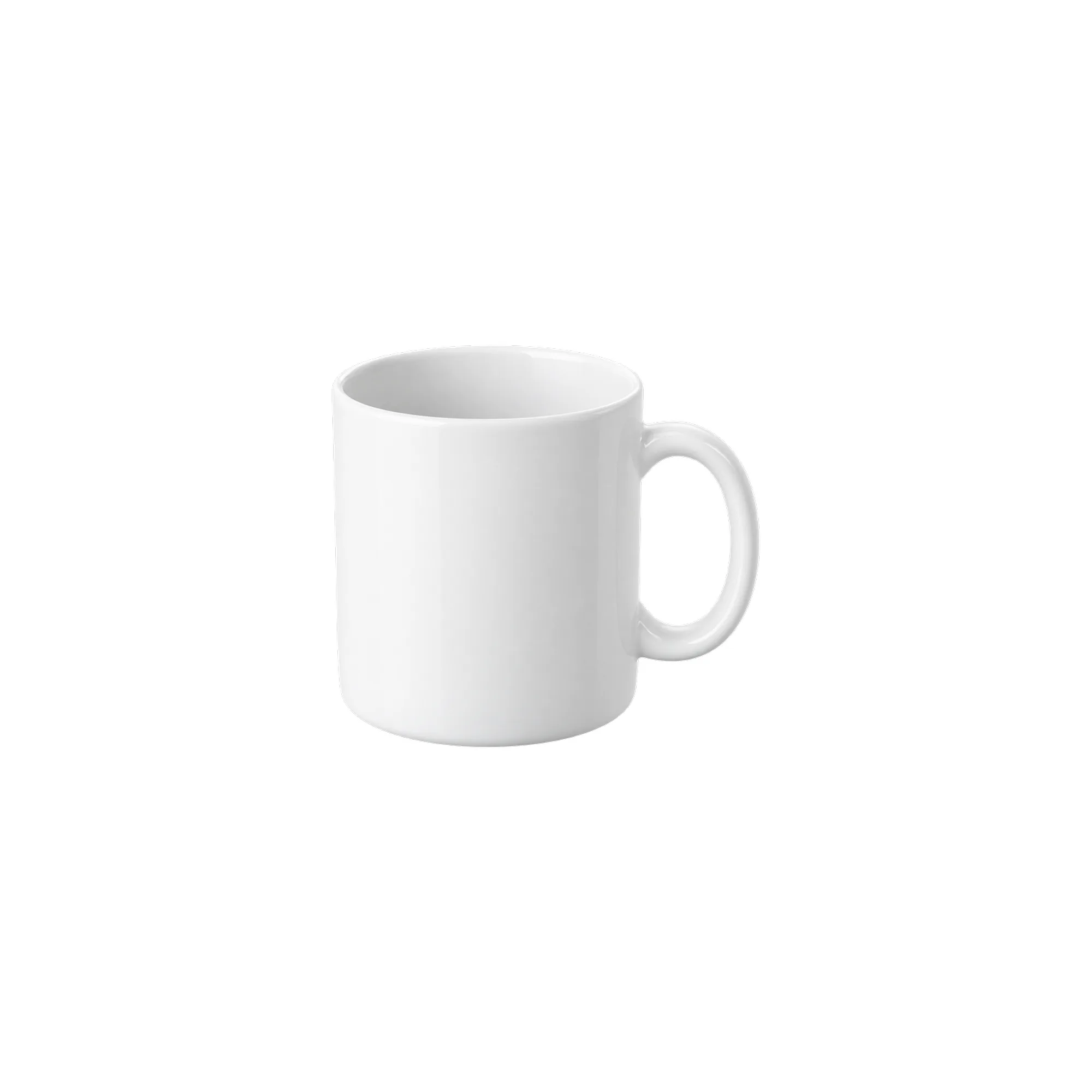
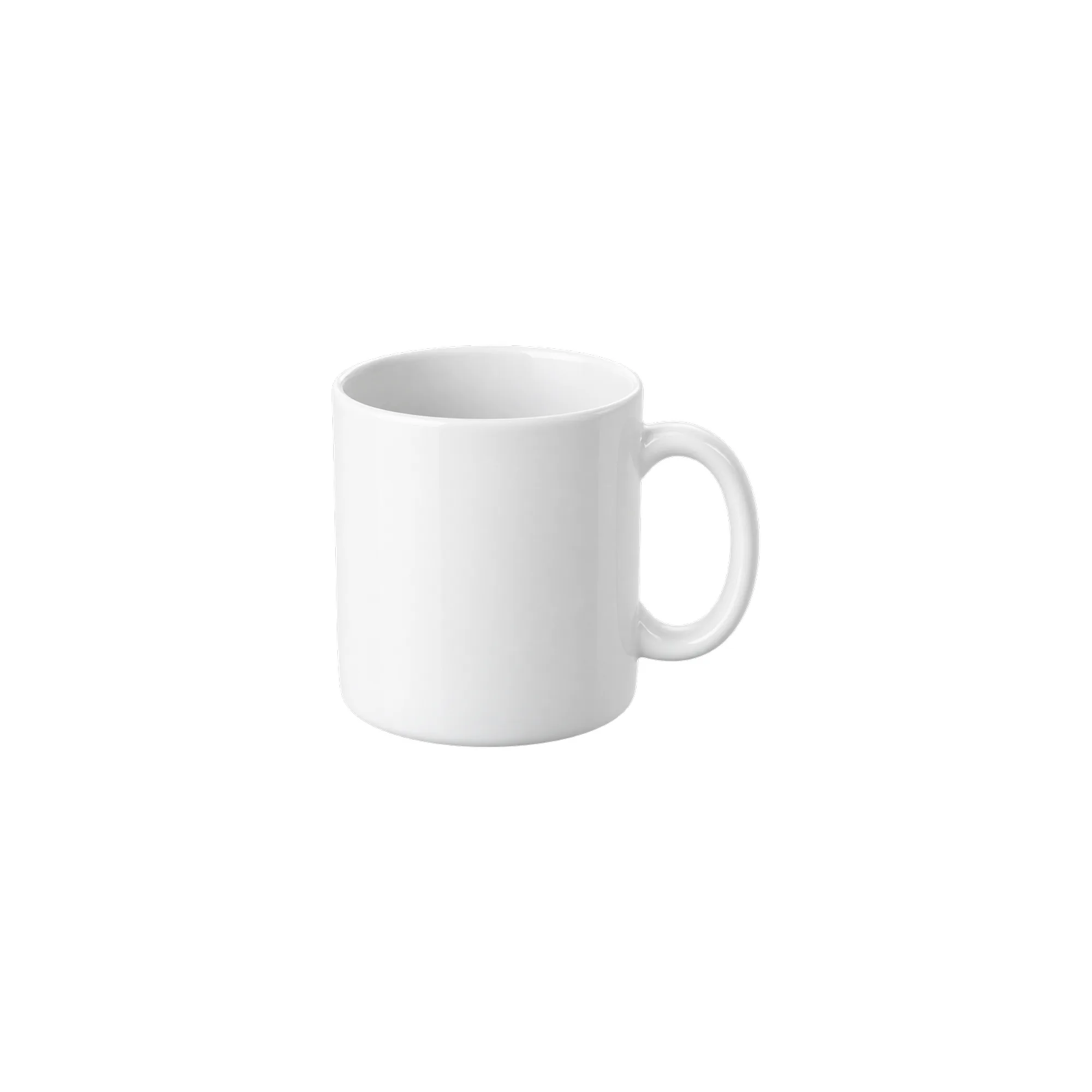
These are fixed historical examples. The demo does not execute workflows or offer redemption and downloads.
Overview
Why a white canvas
Storefront cards and detail pages often need consistent square canvases. Forcing a portrait or landscape shot into a square usually means a center crop that clips the handle or squashes the proportions. The 2000×2000 size is this workflow's preset, not a universal marketplace requirement.
This workflow makes "fit the whole product" a fixed step: scale by ratio, pad to the center, then export three common sizes.
Outputs
white-canvas-2000: 2000×2000, product box up to 1600×1600, at least 200 px marginwhite-canvas-1600: 1600×1600, at least 160 px marginwhite-canvas-1200: 1200×1200, at least 120 px margin
The product stays fully visible — no crop, no stretch. Portrait shots get side padding; landscape shots get top and bottom padding.
Input tips
A transparent PNG works best. An opaque JPG/WebP is treated as a full-frame product, including its own background. Keep the product close to the frame edge when shooting or cutting out; the workflow adds the safe margin for you.
Fit and limits
This is a layout tool, not a background remover. Clean the background first if it is busy. It does not synthesize shadows or reflections; pair it with the Contact shadow pack when you need grounding.
The default product box spans only 80% of the canvas edge. It is a generous-margin layout, not an Amazon compliance preset. Amazon's official photography guide recommends at least 85% product coverage; check the actual subject and category rules, not just the exported resolution.
Clean-room graph authored for LatentBay; no third-party workflow JSON, prompts, images, video or prose copied. output license: commercial ComfyUI core: GPL-3.0 (https://github.com/comfyanonymous/ComfyUI)
Related guides
Fit any product into a white marketplace frame without cropping
Portrait, square and landscape shots all need the same clean square canvas. Learn a fit-and-pad workflow that keeps the whole product and adds a real safe margin.
Build a 2×2 or 3×3 product grid in ComfyUI, evenly spaced
A detail-page grid should be a template, not a manual alignment job. Learn a core-node layout that keeps every tile the same size with clean white gaps.
Related workflows

Grounded contact shadows for product shots
Derive a soft, tight or floating contact shadow from a transparent product PNG. Three presets, ComfyUI core nodes, no model download.
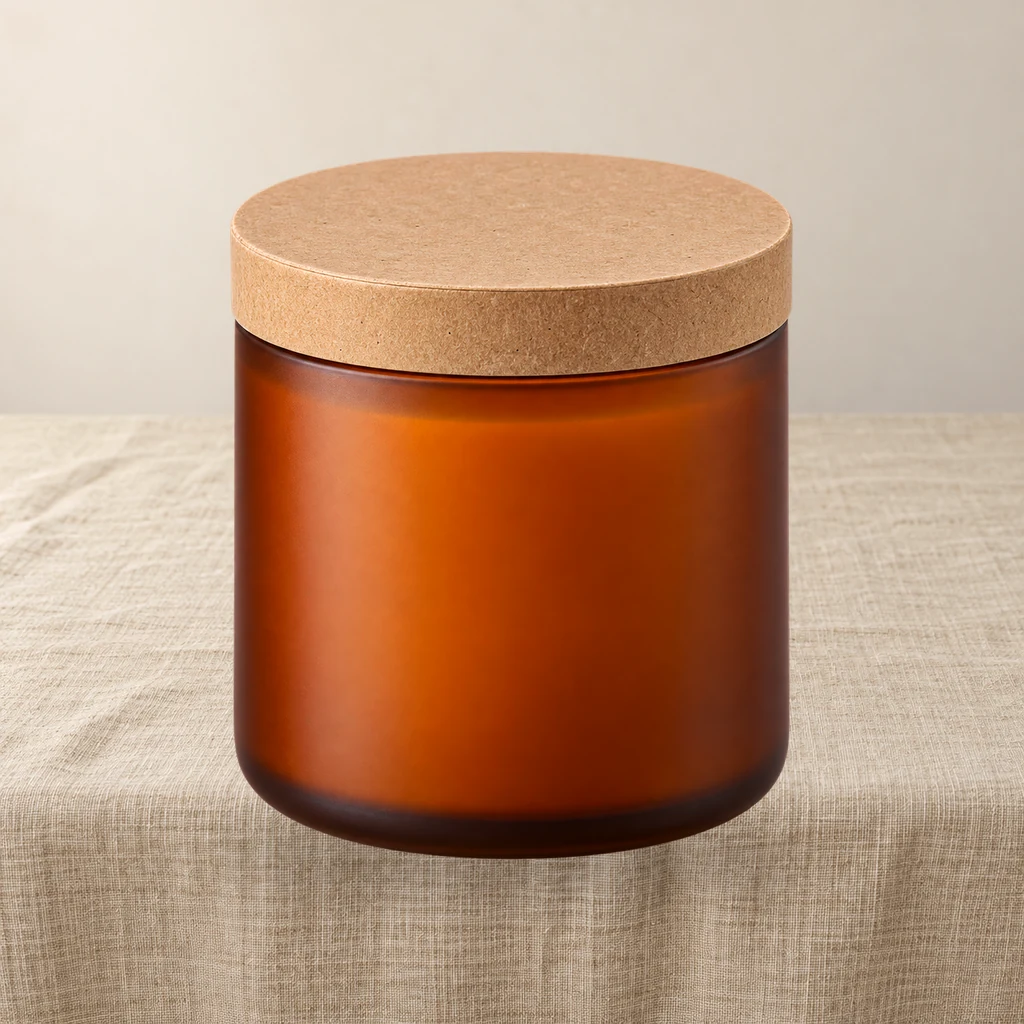
Product relight: match a cutout to the scene light
A low-denoise FLUX.1 schnell pass masked by the product alpha, then the original alpha is reattached so the output stays transparent and the silhouette does not drift.
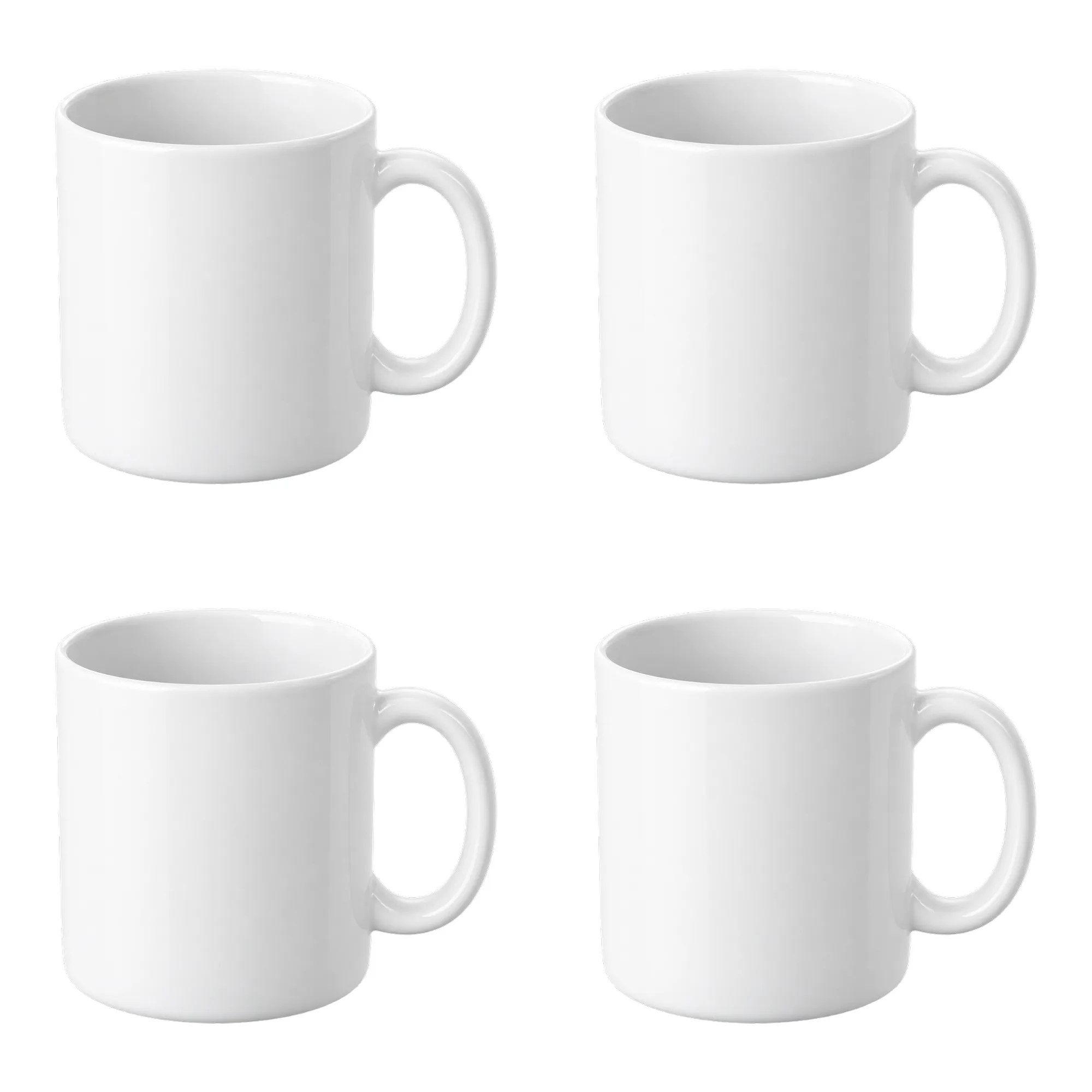
Contact sheet pack: 2×2 and 3×3 product grids on white
Turn one product cutout into two 2000×2000 detail-page grids with even spacing and white margins. Pure ComfyUI core nodes, no model download.