Fit any product into a white marketplace frame without cropping
Portrait, square and landscape shots all need the same clean square canvas. Learn a fit-and-pad workflow that keeps the whole product and adds a real safe margin.
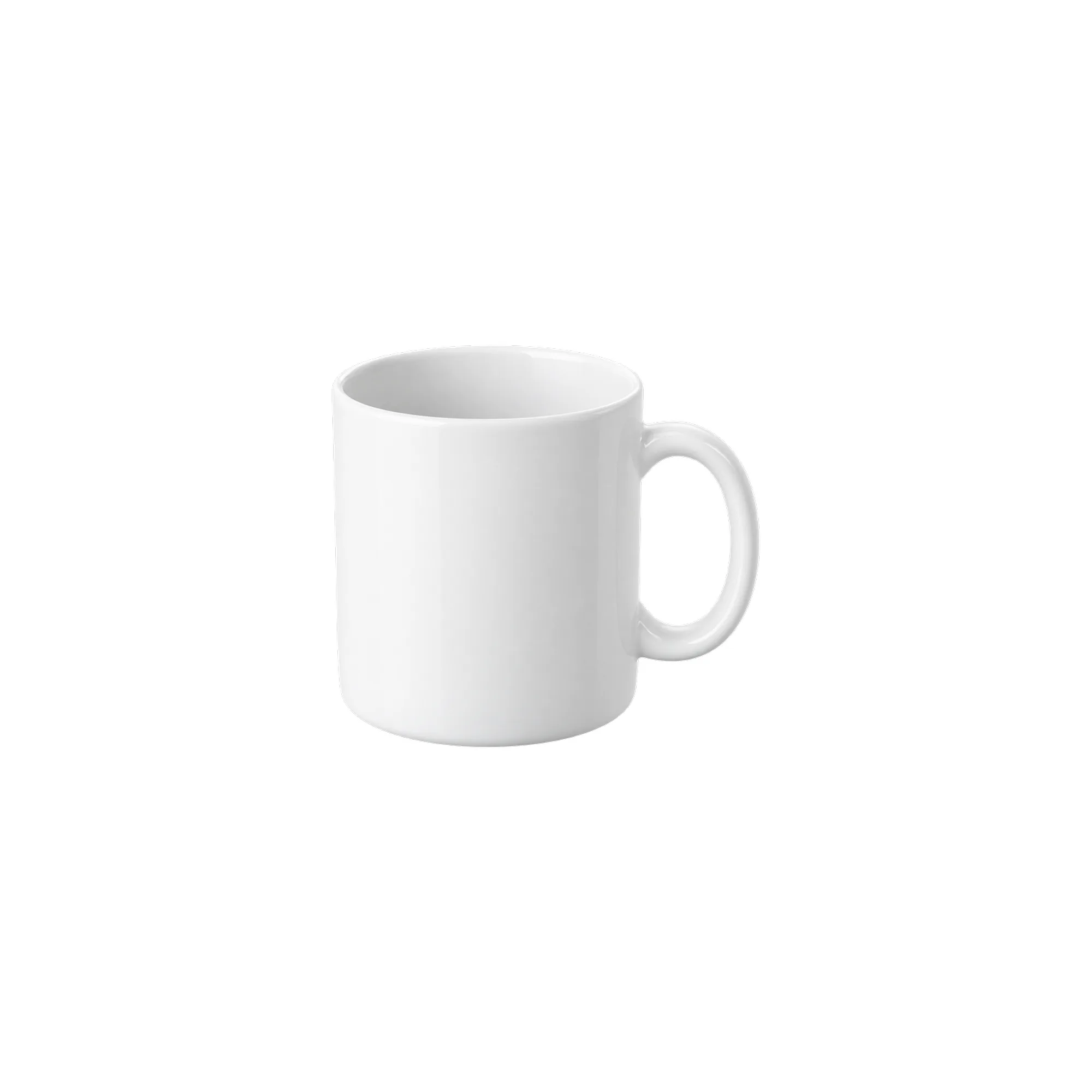
The real problem with a square canvas
Marketplaces ask for a square, but the shoot rarely cooperates: a mug is portrait, a shoe is landscape, a gift box is nearly square. Scaling straight to 2000×2000 stretches the product; a center crop clips the handle or the toe.
The correct move is two steps: scale proportionally so the whole product fits inside a box, then center that box on the square canvas and fill the rest with white.

Why a 10% margin
The 10% margin is a layout choice in this workflow, not a universal marketplace standard. Preview the final thumbnail in the actual store theme and placement to see how it crops.
This workflow constrains the product to a 1600×1600 box and places it on a 2000×2000 canvas, so the outer margin is at least 200 px — 10%.
The product box spans at most 80% of the canvas edge, and source padding makes the actual subject smaller. Amazon's official photography guide recommends at least 85% coverage. Do not treat this default export as an Amazon-compliant main image; adjust the subject scale and check the category rules first.
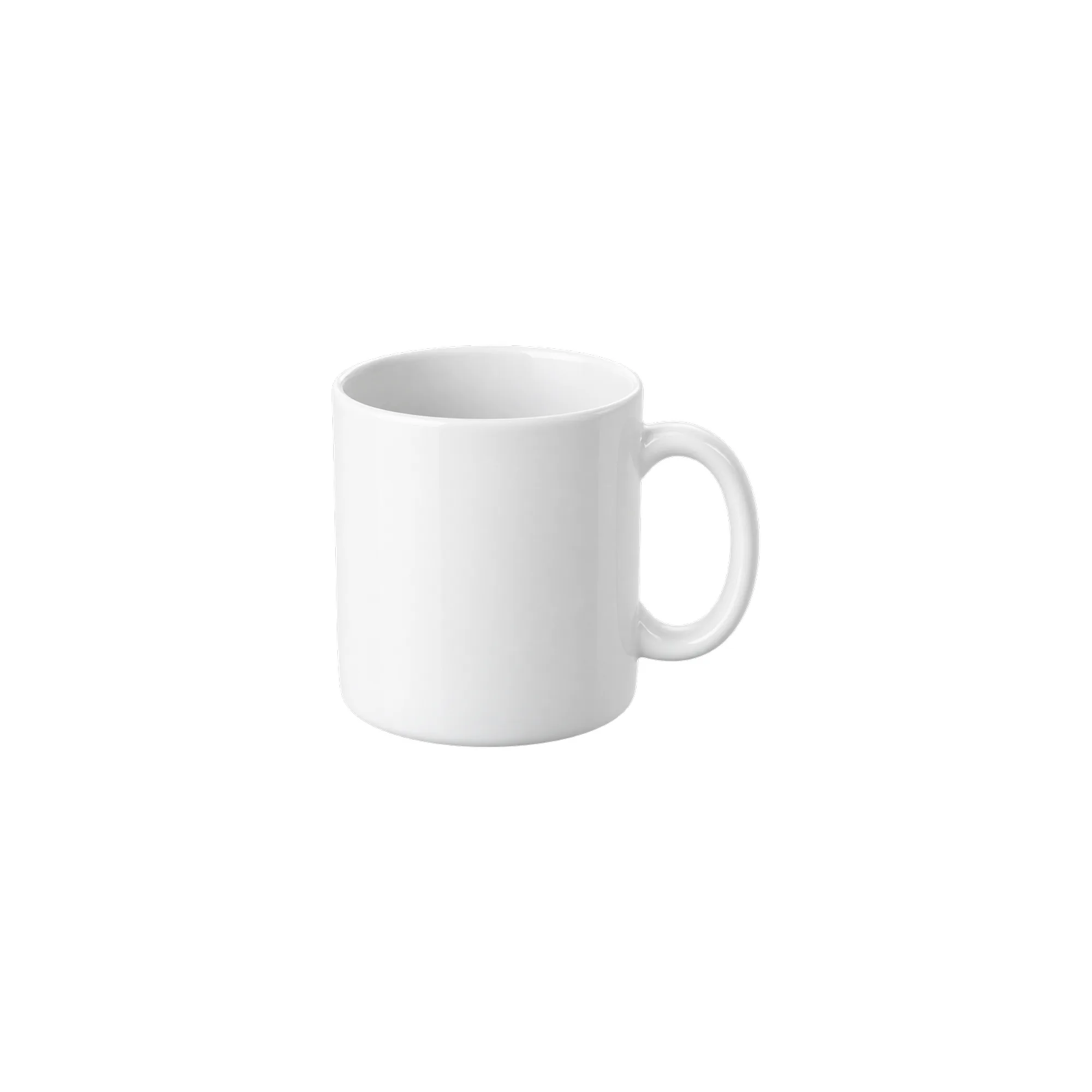
Three sizes in one run
- 2000×2000: padded display image, 1600 product box
- 1600×1600: detail page and storefront card
- 1200×1200: listing thumbnail and email asset
All three share the same scale chain, so the ratio and margin stay consistent; the main image cannot look right while the thumbnail touches the edge.
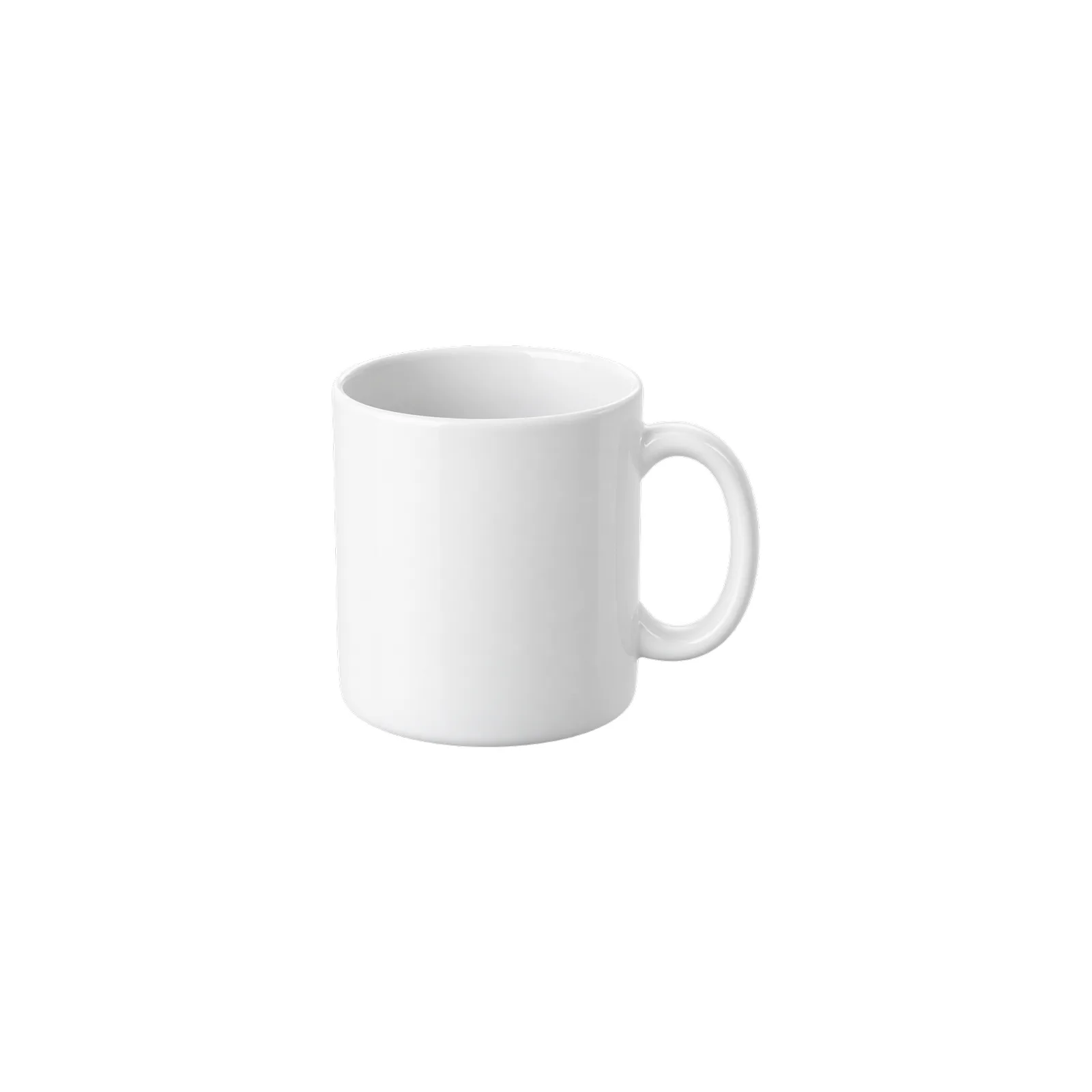
Node order
- 1
LoadImagereads the product - 2
InvertMaskrecovers the product alpha (ComfyUI's MASK is inverted alpha) - 3
MaskToImageturns alpha into a black-and-white image - 4
ResizeAndPadImagefits the product into a 1600 box with black padding - 5
ImageToMaskrecovers the scaled alpha - 6
ResizeAndPadImagescales the source image the same way - 7
EmptyImagecreates the 2000×2000 white canvas - 8
ImageCompositeMaskedplaces the product at (200,200) using the alpha from step 5 - 9
SaveImage; two moreResizeAndPadImagenodes emit 1600 and 1200
Steps 4 and 5 must use the same target size. If they drift, the mask and the product no longer line up and you get a white or black fringe.
Common issues
A black fringe around the product? The mask did not follow the same resize. Check that the ResizeAndPadImage after MaskToImage uses the same dimensions as the image chain.
The product looks too small? The source has too much transparent padding. Trim to the product bounds in an external tool before running; this workflow adds margins, it does not remove excess transparency.
The background is not pure white? The output uses the EmptyImage white (#FFFFFF). If the marketplace asks for pure white, export as-is; no extra background cleanup is needed.
Related workflows
Related guides
- Marketplace crop pack: Amazon, Etsy, Shopify and OG in one run
- Grounded contact shadows in ComfyUI without Photoshop
- Build a 2×2 or 3×3 product grid in ComfyUI
If you also need a scene shot, finish the background composite first and add the white frame last. Doing it in the other order shrinks the whole scene and makes the subject look smaller than it is.
Workflows used in this guide
Check the version's test records and delivery status. Online trials are available only when enabled.
Grounded contact shadows for product shots
Derive a soft, tight or floating contact shadow from a transparent product PNG. Three presets, ComfyUI core nodes, no model download.
White canvas pack: fit any product into a clean marketplace frame
Fit a portrait, square or landscape product shot into 2000/1600/1200 white canvases without cropping or stretching. Pure ComfyUI core nodes, one run.

Marketplace crop pack: Amazon, Etsy, Shopify and OG in one run
Turn one square product master into six canvas presets for listing review. Core ComfyUI nodes only, no model download. Check each platform before upload.
Keep reading
FLUX.1 schnell product scenes without regenerating the product
Generate the set, composite the real product, and ground it with a contact shadow. A clean-room workflow that keeps packaging text and logos pixel-identical.
Product relight: matching a cutout to the scene light
A low-denoise FLUX.1 schnell pass masked by the product alpha, with the original alpha reattached. Where the safe range is, and when not to use it.
Build a 2×2 or 3×3 product grid in ComfyUI, evenly spaced
A detail-page grid should be a template, not a manual alignment job. Learn a core-node layout that keeps every tile the same size with clean white gaps.