Marketplace crop pack: Amazon, Etsy, Shopify and OG in one run
Turn one square product master into six canvas presets for listing review. Core ComfyUI nodes only, no model download. Check each platform before upload.



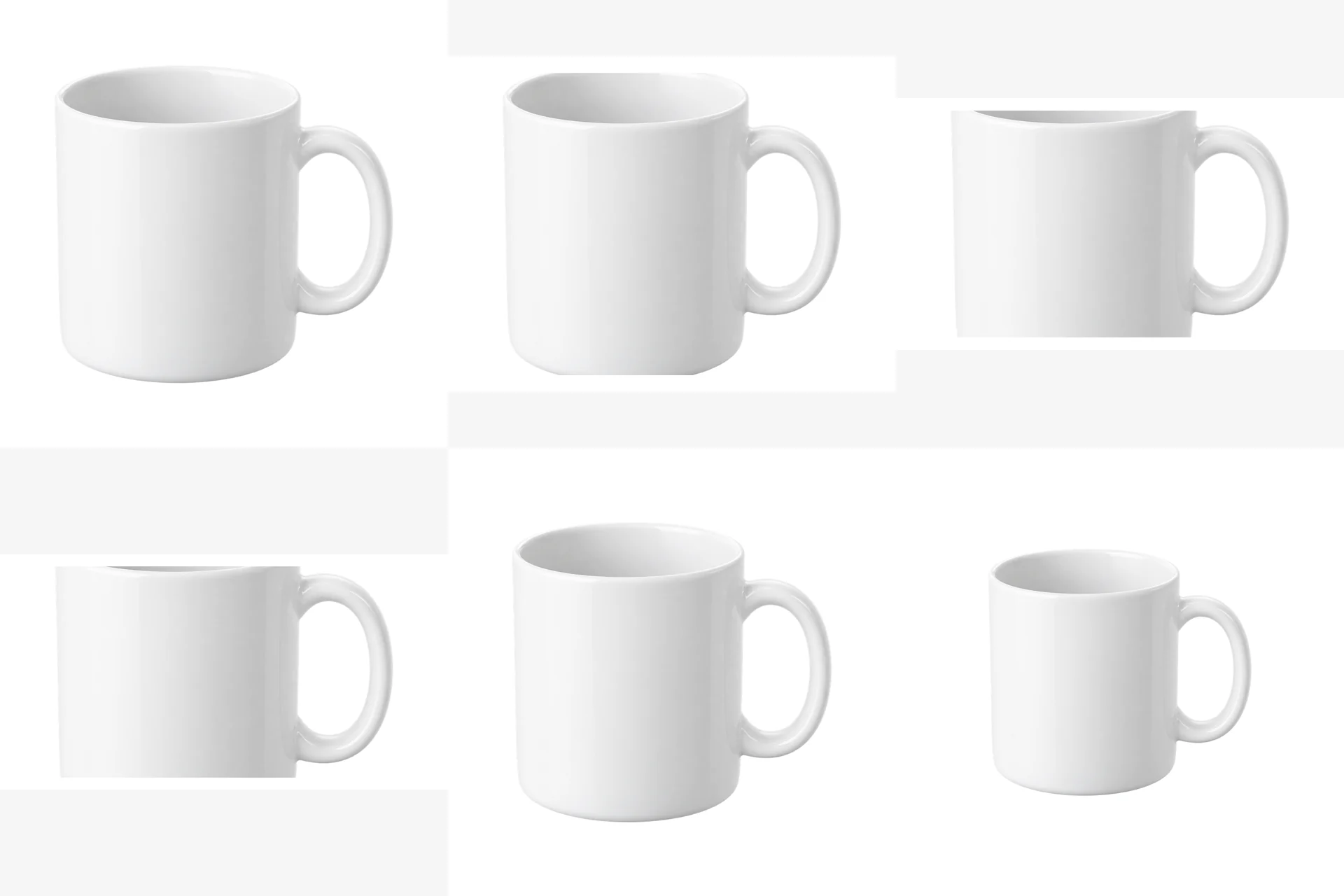
These are fixed historical examples. The demo does not execute workflows or offer redemption and downloads.
Overview
Why crops first
One product shot often needs a square display, a 4:3 listing preview, a 16:9 banner and a 1200×630 social image. Exporting by hand is slow and easy to clip. These are workflow presets; the destination platform and store theme determine the final upload requirements.
This workflow does one job: place a square master on six standard canvases with consistent centering and margins.
Outputs
- Amazon main: 2000×2000, 90% fill
- Etsy 4:3 preview: 2000×1500, 90% fill (below the current recommended height)
- Shopify hero: 1920×1080, 90% fill
- Open Graph: 1200×630, 90% fill
- Thumbnail: 800×800, 85% fill
- Detail page padding: 1600×1600, 70% fill
Fit and limits
Use a product shot with a clean background, or a transparent PNG prepared in an external tool. This is not content-aware outpainting: anything cropped off the source is not invented. The tutorial explains how to leave a safe margin when shooting or cropping.
Etsy currently recommends at least 2000px in both dimensions. This version's 2000×1500 export is a ratio preview; re-export from a high-resolution source for final delivery. The 90% fill scales the entire source image, so existing padding reduces the actual product coverage.
Clean-room graph authored for LatentBay; no third-party workflow JSON, prompts, images, video or prose copied. output license: commercial ComfyUI core: GPL-3.0 (https://github.com/comfyanonymous/ComfyUI)
Related guides
Fit any product into a white marketplace frame without cropping
Portrait, square and landscape shots all need the same clean square canvas. Learn a fit-and-pad workflow that keeps the whole product and adds a real safe margin.
FLUX.1 schnell product scenes without regenerating the product
Generate the set, composite the real product, and ground it with a contact shadow. A clean-room workflow that keeps packaging text and logos pixel-identical.
Build a 2×2 or 3×3 product grid in ComfyUI, evenly spaced
A detail-page grid should be a template, not a manual alignment job. Learn a core-node layout that keeps every tile the same size with clean white gaps.
Related workflows
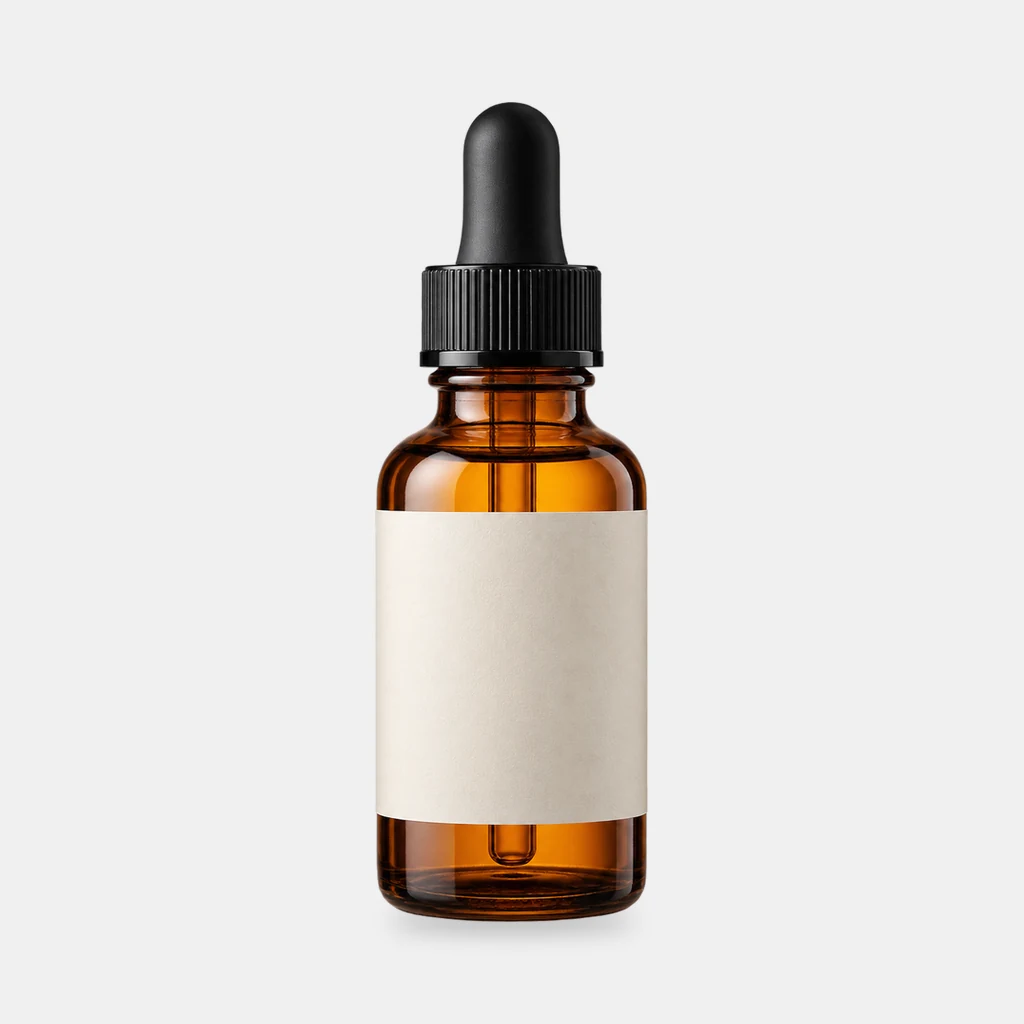
Grounded contact shadows for product shots
Derive a soft, tight or floating contact shadow from a transparent product PNG. Three presets, ComfyUI core nodes, no model download.
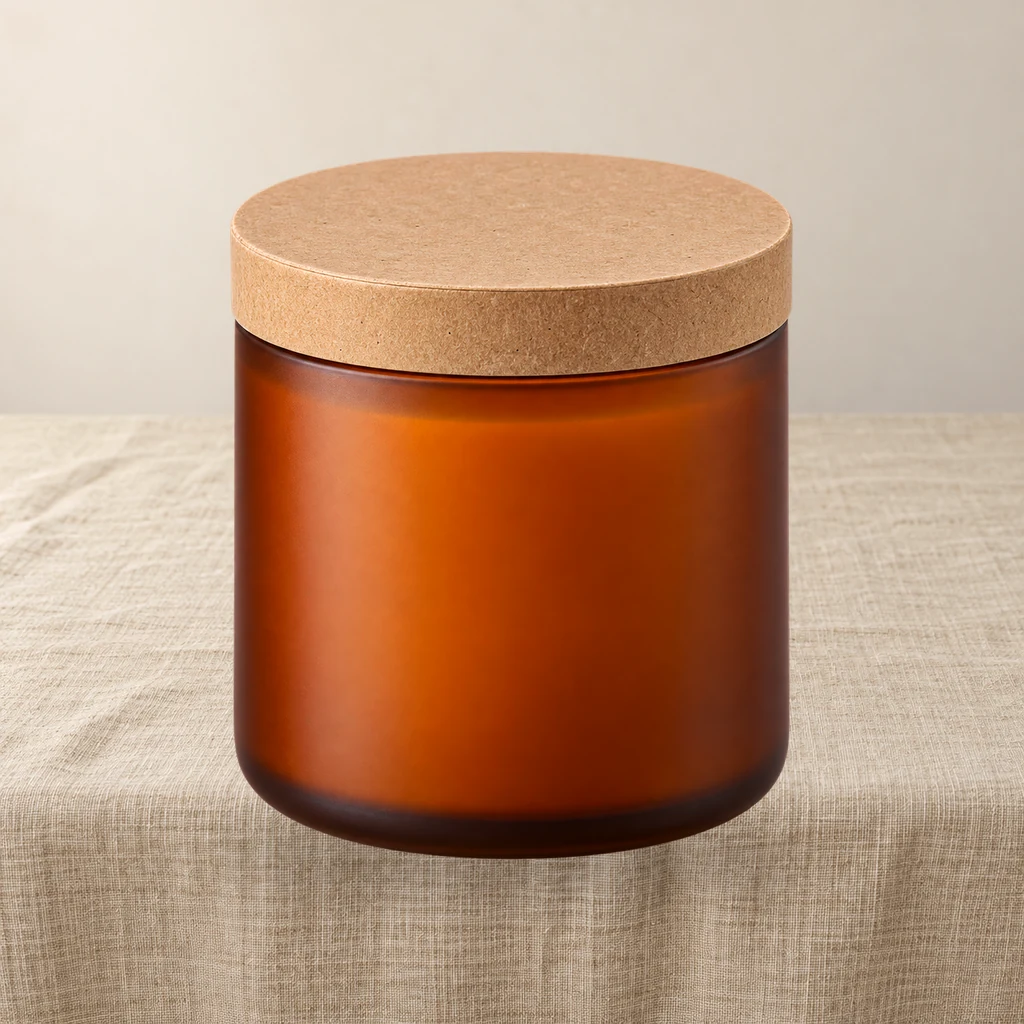
Product relight: match a cutout to the scene light
A low-denoise FLUX.1 schnell pass masked by the product alpha, then the original alpha is reattached so the output stays transparent and the silhouette does not drift.
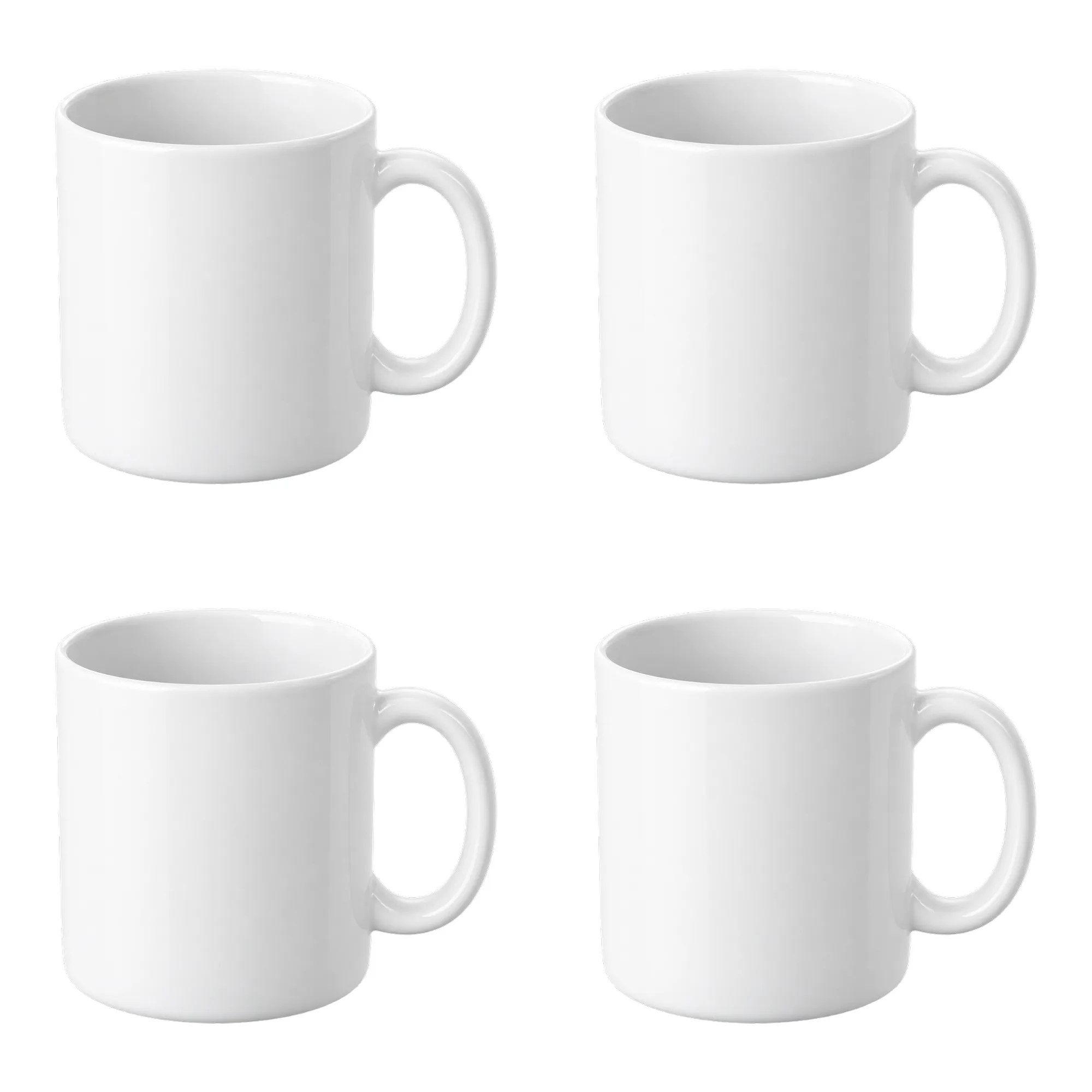
Contact sheet pack: 2×2 and 3×3 product grids on white
Turn one product cutout into two 2000×2000 detail-page grids with even spacing and white margins. Pure ComfyUI core nodes, no model download.